
About this feature
Teacher accounts give faculty members access to the UNILinkd dashboard and mobile app. Admins can enroll teachers in bulk using an Excel or CSV file, or add them one at a time. An enrolled teacher is "Not Onboarded" until they log into the mobile app for the first time that first login activates their account. Admins can also send private system messages to teachers and delete their accounts when needed.
How to View All Teachers
Browse and search the full list of registered teachers.
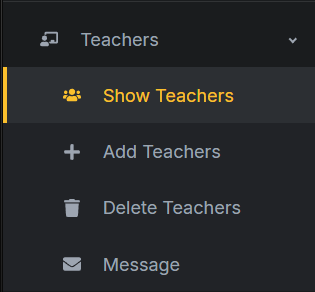
In the sidebar, click "Teachers" "Show Teachers".
A table loads showing all teachers: name, Employee ID, email, department, role, and onboarding status.
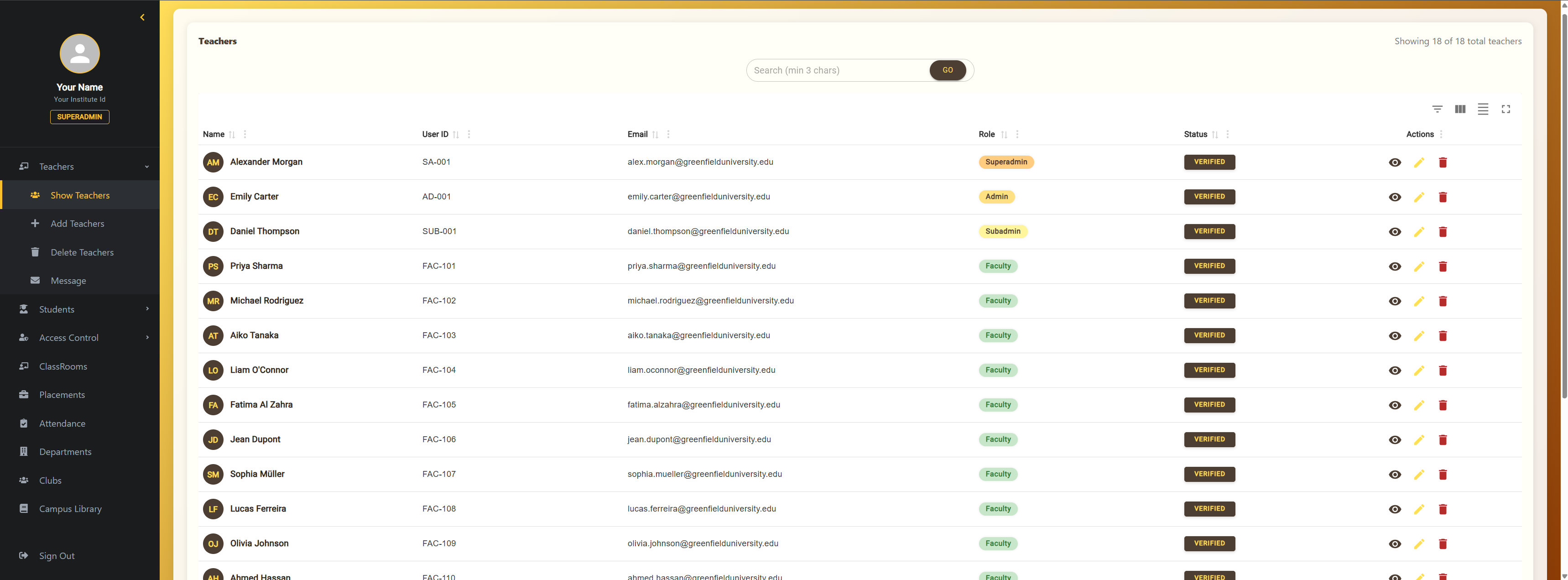
Use the search bar at the top of the table to find a teacher by name or Employee ID.
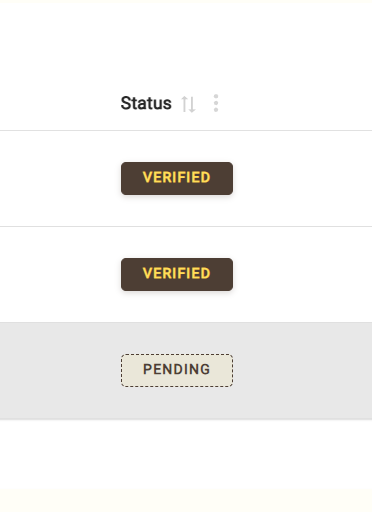
"Not Onboarded" means the teacher's record exists in the system but they have not yet logged into the UNILinkd app for the first time.
You've completed this guide — How to View All Teachers