
About this feature
The UNILinkd web dashboard is a browser-based management platform for your institution. It is used by Admins and Sub-Admins for day-to-day operations enrolling users, managing departments, setting up classrooms. Faculty members also have limited access to view records and manage their assigned responsibilities. Everything here is scoped to your institution only other colleges cannot see your data.
Understanding the Sidebar and Navigation
Learn how to move around the dashboard using the sidebar menu.
After logging in, a dark sidebar appears on the left side of your screen. This is your main navigation panel.
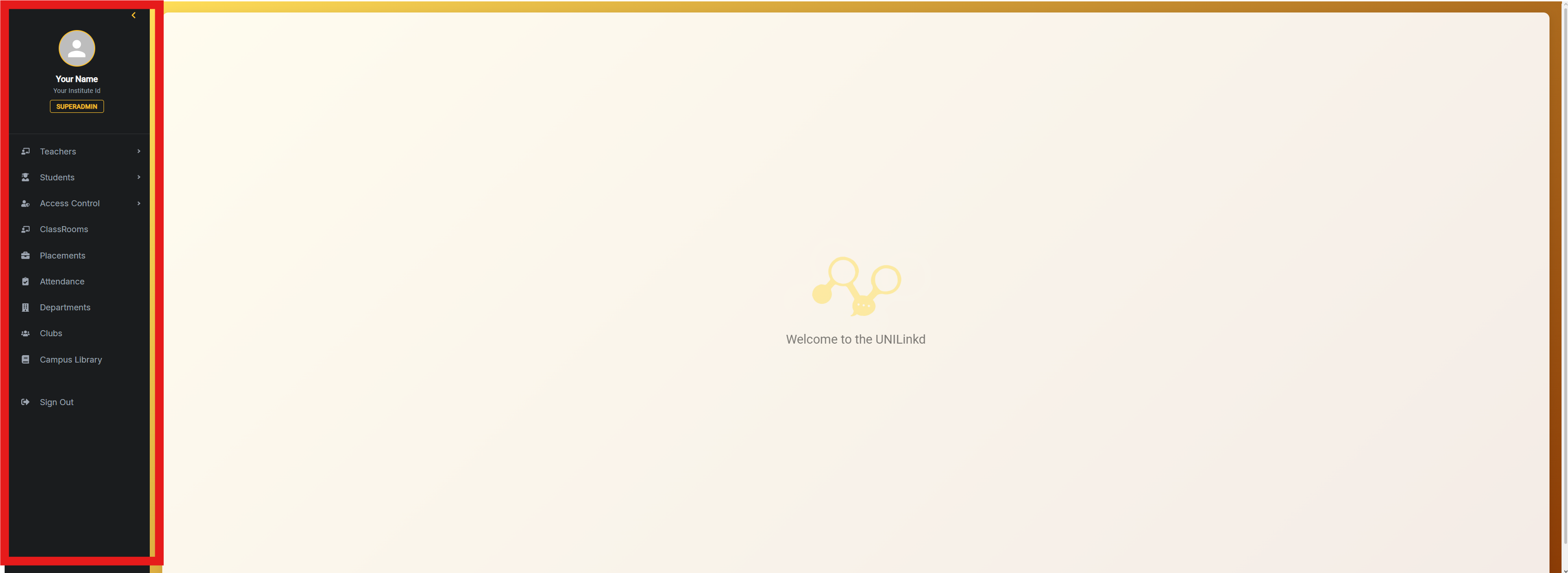
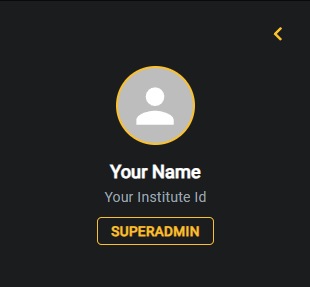
At the top of the sidebar, your profile photo, name, Employee ID, and role badge (e.g. "ADMIN") are displayed.
The sidebar has expandable sections Teachers, Students, Access Control an "Academics" group (Departments, Programmes, Classrooms, Subjects, Attendance), and individual buttons for Teaching Schedule, Faculty Attendance, Placements, Clubs, Campus Library.
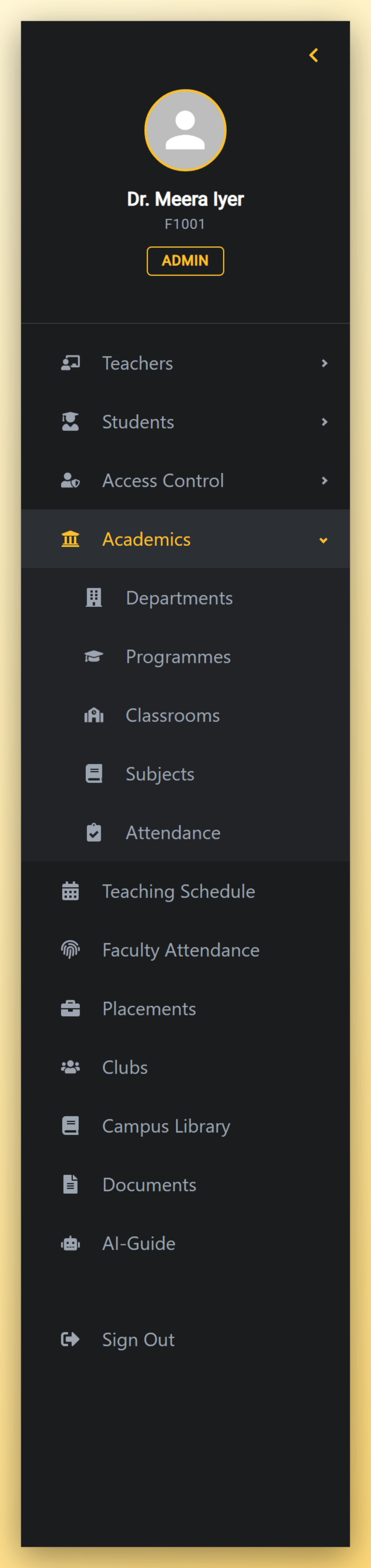
Click any section name to expand it and see sub-options. The active selection is highlighted with a yellow left border.
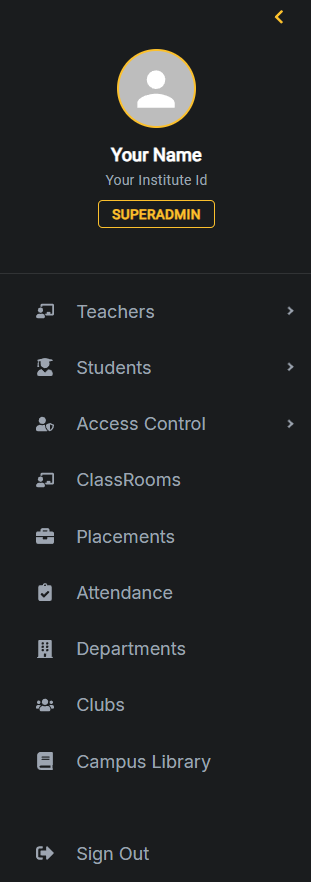
Click the arrow button (â—€) at the top of the sidebar to collapse it for more screen space. Click again to expand.
To sign out, scroll to the bottom of the sidebar and click "Sign Out".
You've completed this guide — Understanding the Sidebar and Navigation