
About this feature
Student accounts give students access to the UNILinkd mobile app attendance reports, classroom chats, the placement portal, clubs, and the e-library. Admins enroll students via CSV or one at a time. A newly enrolled student is "Not Onboarded" until they log into the app for the first time, which activates their account fully. Each student can belong to only one department; an Admin must reset it if they need to change.
How to Enroll a Single Student
Register one student at a time using the individual form.
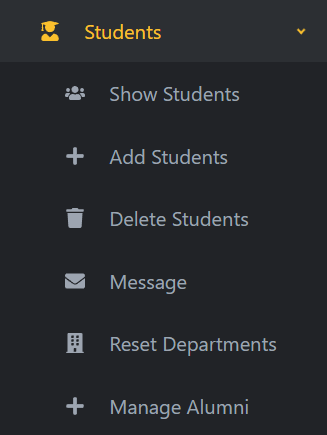
In the sidebar, click "Students" "Add Students", then click the "Add Individual" tab.
Enter the student's Roll Number (e.g. "STU-2024-001") and their Email Address.
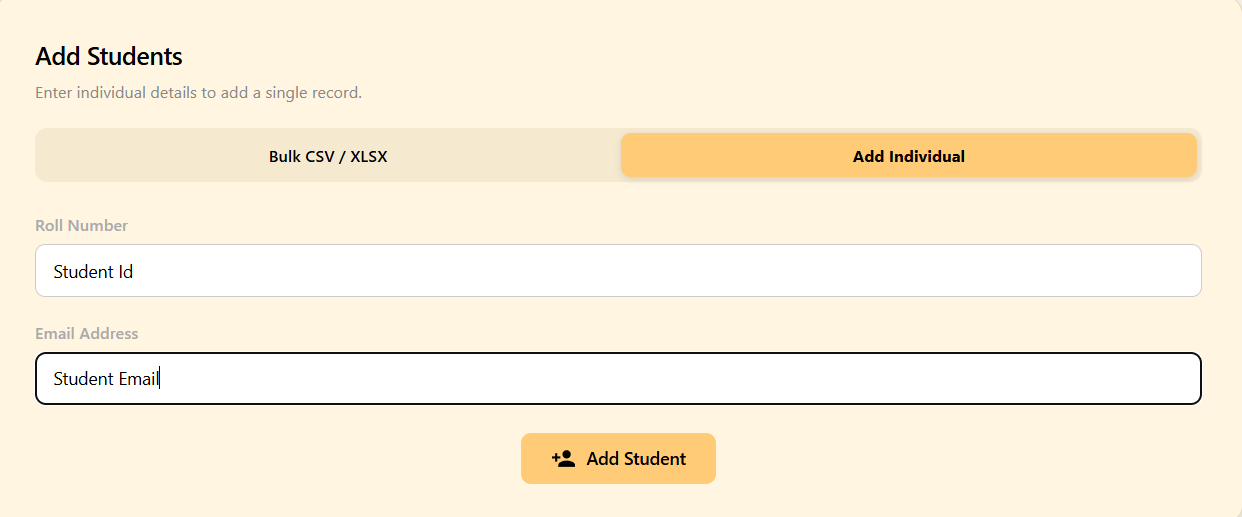
Click "Add Student". A success message confirms. The form clears so you can add another.
You've completed this guide — How to Enroll a Single Student