
About this feature
Your campus structure is Department > Programme > Classroom. A department is the main academic unit (for example "Computer Science"); a programme is a course inside it (for example "B.Tech CE" or "DCA"); classrooms belong to a programme. Each student belongs to exactly one department, and each department has its own announcement channel in the app. Departments are created by Admins and Sub-Admins; faculty can join several departments. The wording follows your institute type (for instance a school may say Class instead of Classroom), and both Departments and Programmes live inside the "Academics" group in the sidebar. The institute type is fixed when the institute is set up and is not editable.
How to Create a Department
Create a department that students can join - each student can only be in one.
Departments are created by Admins and Sub-Admins from the dashboard. Faculty cannot create departments.
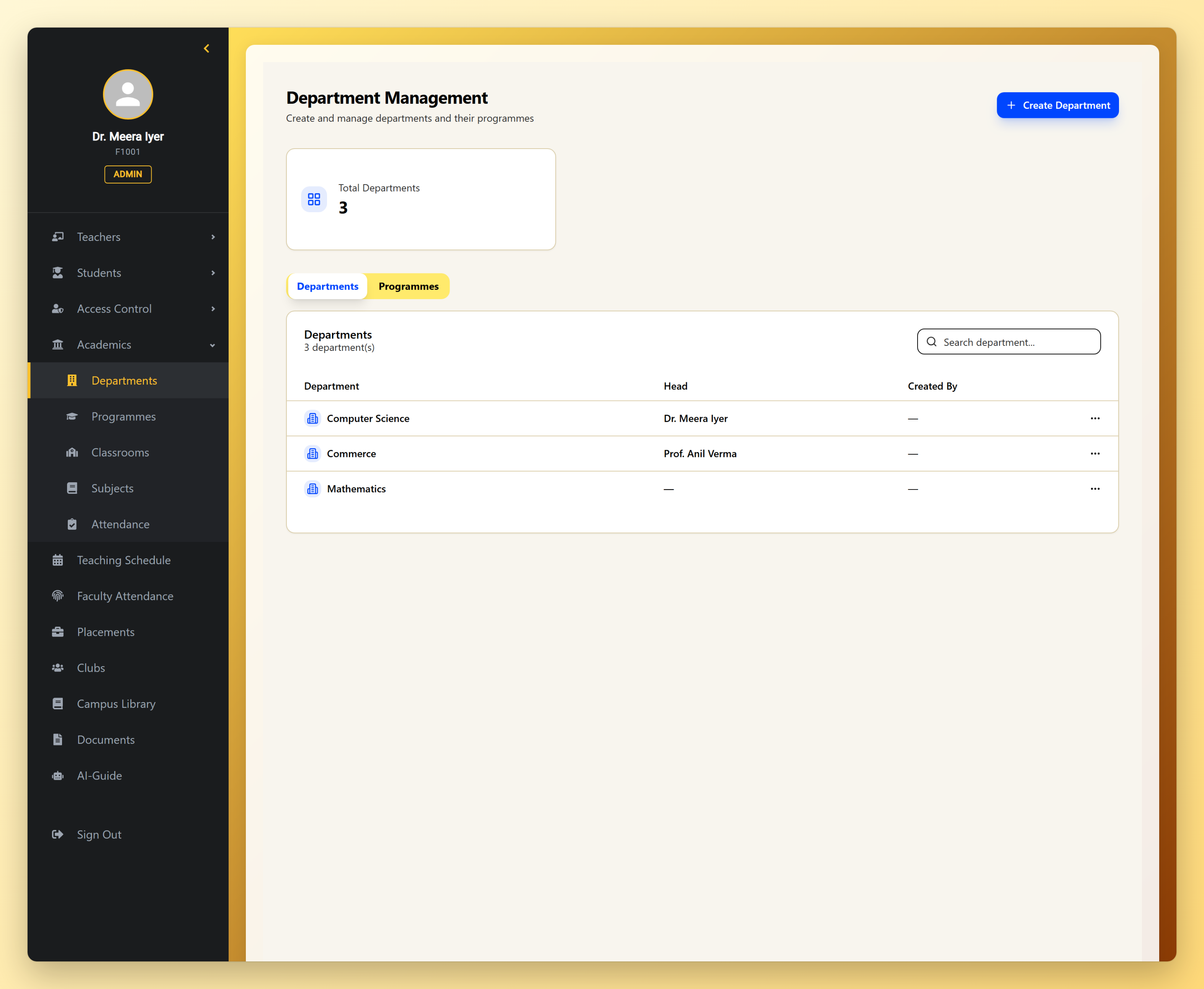
In the sidebar open the "Academics" group and click "Departments". Click "Create Department".
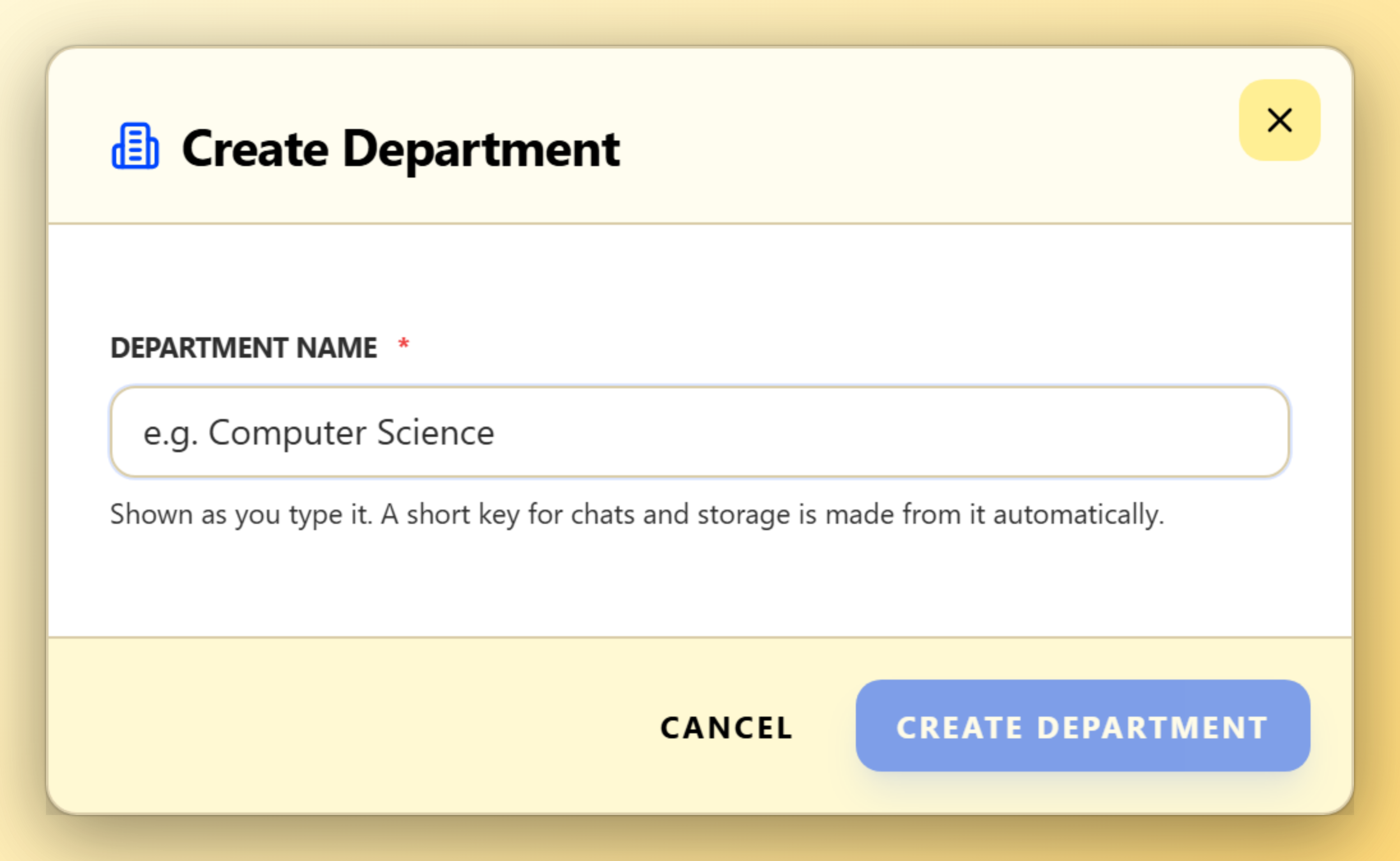
Enter the department name (e.g. "Computer Science") and click Create. Use the search box to find departments later.
Each row has a menu (the three dots) with Members, Edit and Advanced settings. Students will see the department in the app and can request to join. Important: each student can only belong to ONE department at a time. If they need to change, an admin must reset it from the Students section.
Faculty members can join multiple departments to stay connected with different batches.
You've completed this guide — How to Create a Department