
About this feature
The Alumni module maintains a permanent directory of former students. There are three ways in: students are archived automatically when they are deleted with the "Add to Alumni" toggle turned on, an admin can add one alumnus at a time with the "Add Alumni" form, or upload many at once from an Excel or CSV sheet with "Bulk Add". Any alumni record can be edited later. Alumni also receive a short update survey by email every few months to share their current employment and location, which keeps the directory current. Super Admins, Admins and Sub Admins can add, edit and delete alumni records; Faculty can only view them.
How to Use the Alumni Survey
Collect updated employment and personal details from alumni.
The Alumni Survey is a shareable form that alumni can fill in to update their current employment status, location, and contact details.
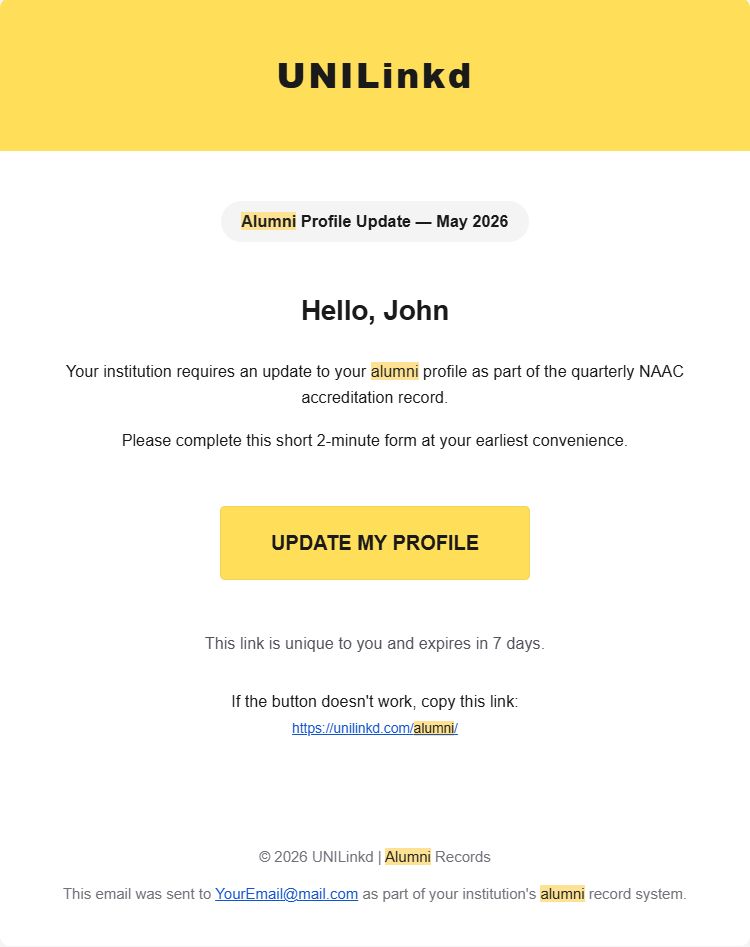
Share the survey link with your alumni via email or other channels. Responses appear automatically in the alumni management section.

You've completed this guide — How to Use the Alumni Survey