
About this feature
Your campus structure is Department > Programme > Classroom. A department is the main academic unit (for example "Computer Science"); a programme is a course inside it (for example "B.Tech CE" or "DCA"); classrooms belong to a programme. Each student belongs to exactly one department, and each department has its own announcement channel in the app. Departments are created by Admins and Sub-Admins; faculty can join several departments. The wording follows your institute type (for instance a school may say Class instead of Classroom), and both Departments and Programmes live inside the "Academics" group in the sidebar. The institute type is fixed when the institute is set up and is not editable.
How to Manage Programmes
Add the programmes inside a department and give each its own subjects.
In the sidebar, open Academics > Programmes (or the Programmes tab on the Departments page). It lists every programme across your departments, searchable and paged.
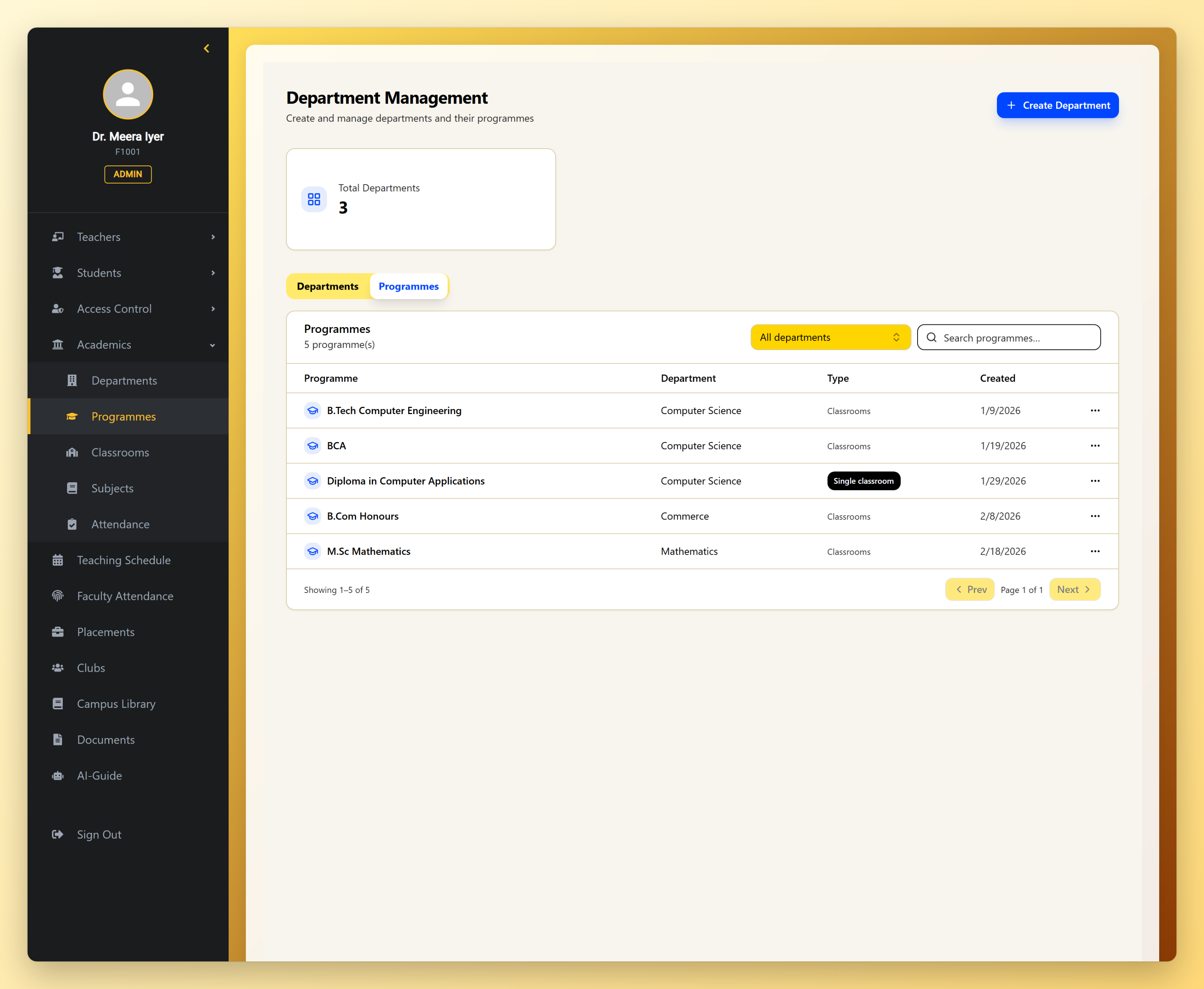
To add one, open the department's Programmes window (department row menu, or the Programmes tab), type a name such as "B.Tech CE" or "DCA", and click "Create Programme". For a single-classroom programme such as DCA, its classroom is created for you at the same time. The row menu lets you rename it or change its type, or remove it. A programme always stays in the department it was created in.
Click a programme's row to open its subjects and choose which subjects it teaches: "Add from list" picks from the Subject Registry, "Create new" adds one, and "Import from Excel" loads many at once. Removing a subject here only removes it from the programme - it stays in the Subject Registry.
When you create or move a classroom, pick its department and then its programme. Everywhere classrooms are chosen - the Classrooms page, Take Attendance, Export - you can narrow the list by department and programme.
Programme subjects appear first, in a "This programme" tab, when faculty pick a subject for that programme's classrooms.
You've completed this guide — How to Manage Programmes