
About this feature
Student accounts give students access to the UNILinkd mobile app attendance reports, classroom chats, the placement portal, clubs, and the e-library. Admins enroll students via CSV or one at a time. A newly enrolled student is "Not Onboarded" until they log into the app for the first time, which activates their account fully. Each student can belong to only one department; an Admin must reset it if they need to change.
What Does "Not Onboarded" Mean?
Understand the difference between an enrolled account and an active account.
When you enroll a student or teacher, their record is created but the account is not active yet.
"Not Onboarded" means the person has been enrolled by an admin but has not logged into the UNILinkd app for the first time.
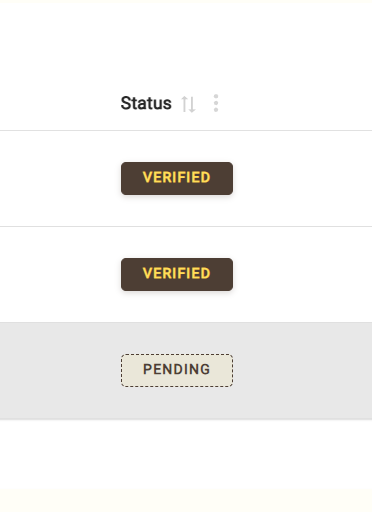
Once they download the app and sign in using their Roll Number and password, the account becomes active status changes to "Onboarded".
Some features such as the Placement Portal only work for Onboarded users. If a student reports they cannot access a feature, check their onboarding status first.
You've completed this guide — What Does "Not Onboarded" Mean?