
About this feature
The UNILinkd web dashboard is a browser-based management platform for your institution. It is used by Admins and Sub-Admins for day-to-day operations enrolling users, managing departments, setting up classrooms. Faculty members also have limited access to view records and manage their assigned responsibilities. Everything here is scoped to your institution only other colleges cannot see your data.
What is an Institute Code?
Understand what the Institute Code is and why every login needs it.
Your Institute Code is a short unique code (e.g. "CLGX01") assigned to your college or university by UNILinkd. Think of it as the identifier for your entire institution inside the system.
Every person at your institution who logs in teachers, admins, students must use this same Institute Code. It never changes unless your institution is re-registered.
All your data (teachers, students, departments, classrooms) is stored under your Institute Code. Other institutions cannot see your data.
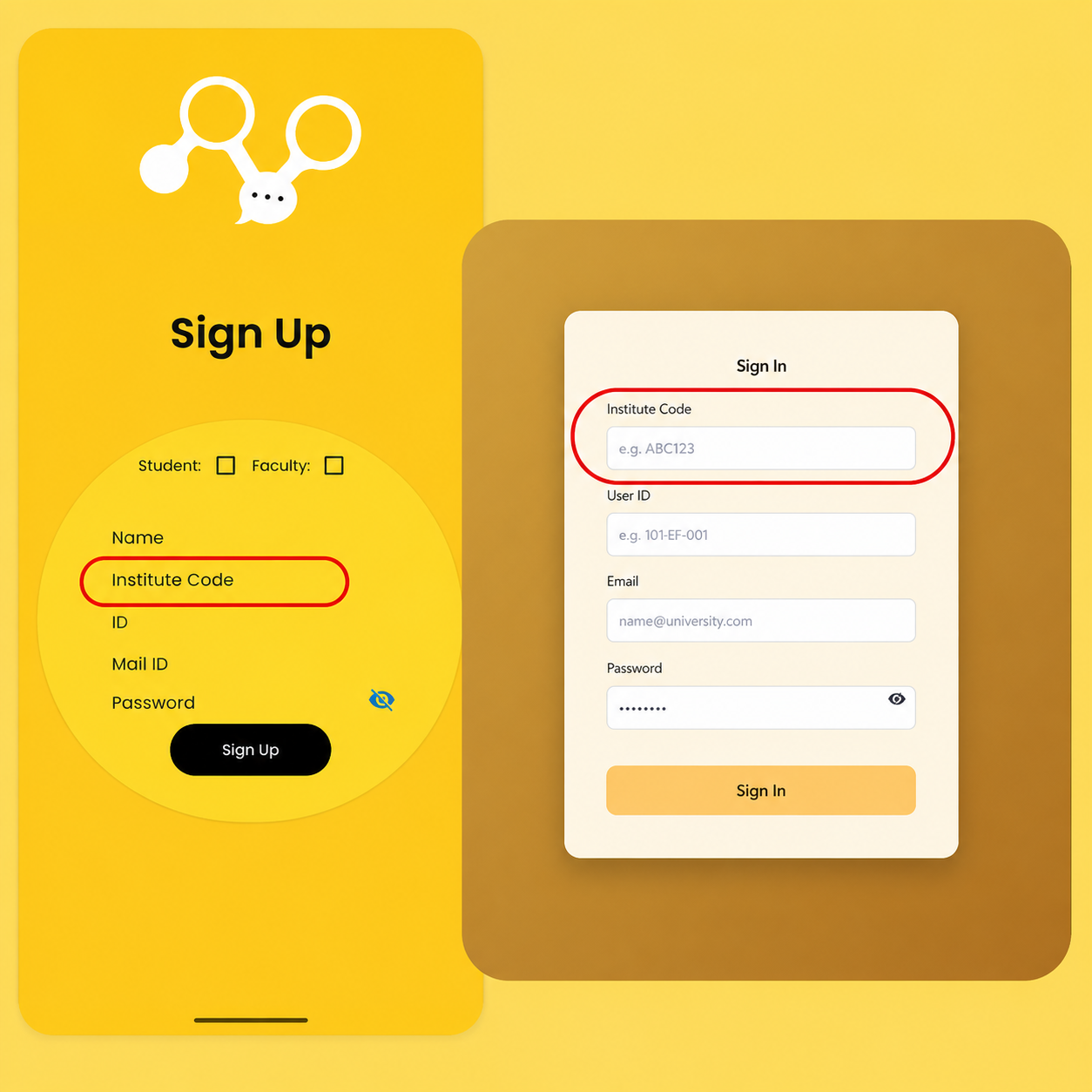
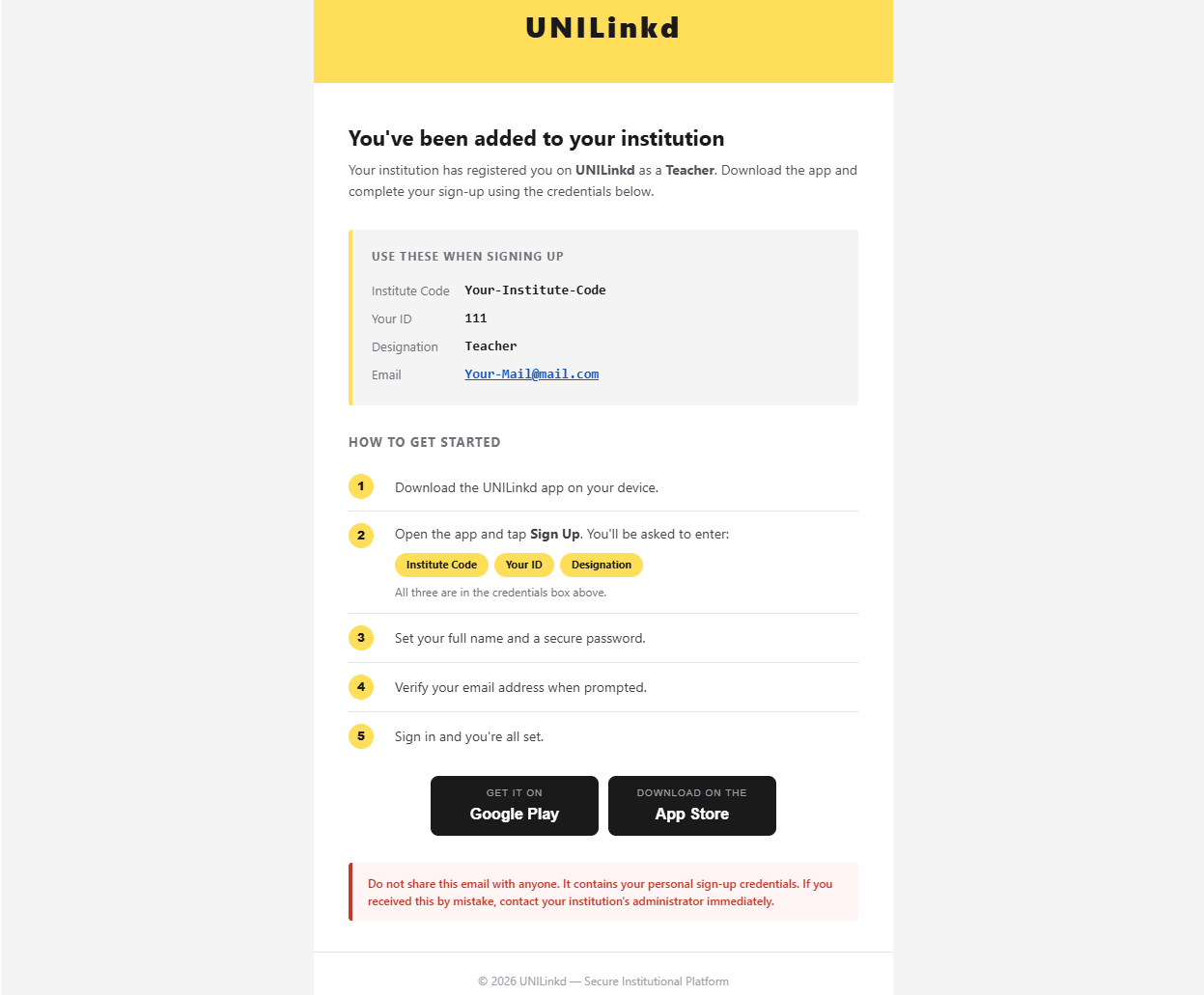
Your Institute Code is provided by the UNILinkd team when your institution is first onboarded. Whenever an admin adds a new teacher or student to the system, that person automatically receives an onboarding email from UNILinkd. This email contains their Institute Code, their ID (Employee ID or Roll Number), their Designation, and download links for the app so they have everything they need to sign up without the admin having to share anything manually.
You've completed this guide — What is an Institute Code?