
About this feature
The UNILinkd web dashboard is a browser-based management platform for your institution. It is used by Admins and Sub-Admins for day-to-day operations enrolling users, managing departments, setting up classrooms. Faculty members also have limited access to view records and manage their assigned responsibilities. Everything here is scoped to your institution only other colleges cannot see your data.
How to Log In to the Dashboard
Step-by-step sign-in guide for first-time users.
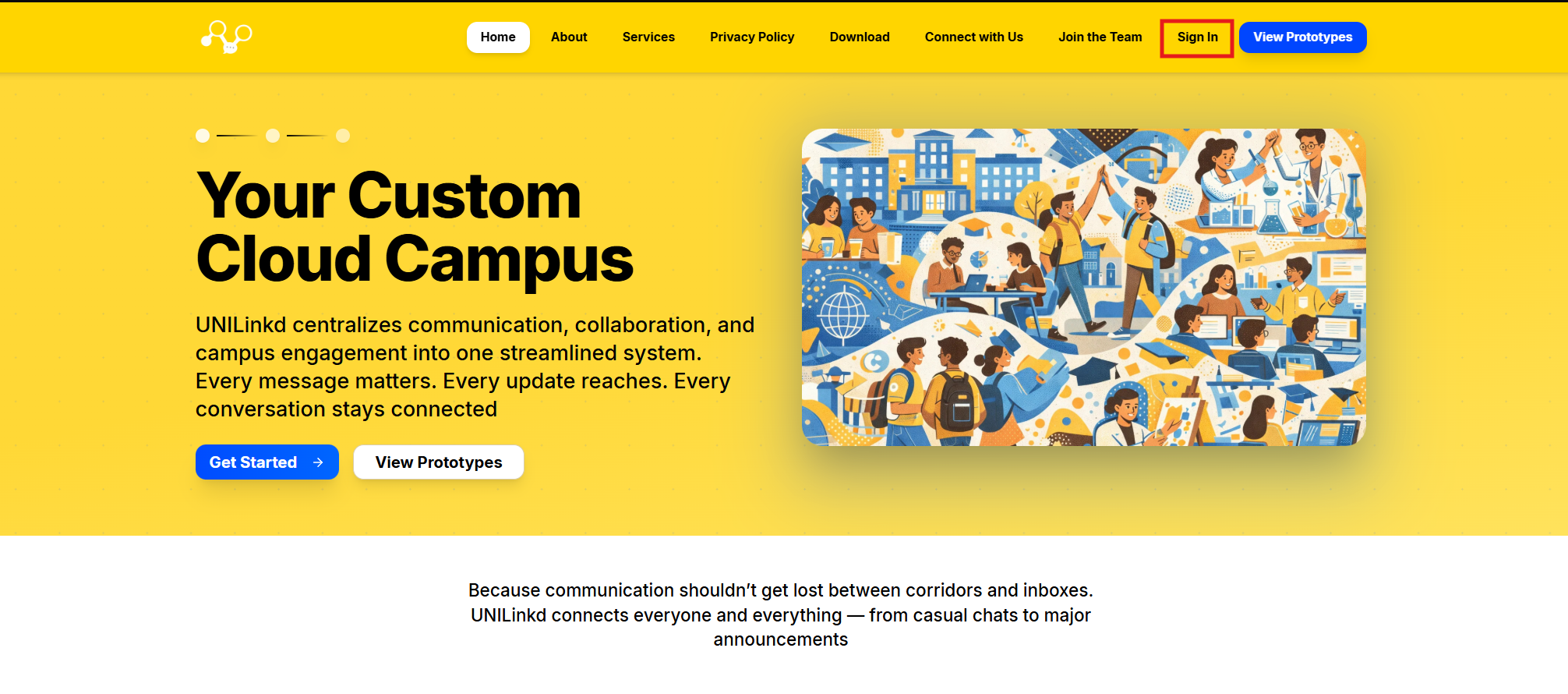
Open your web browser and Sign-In to the UNILinkd dashboard.
You will see four fields. Fill them in this order: Institute Code User ID Email Password.
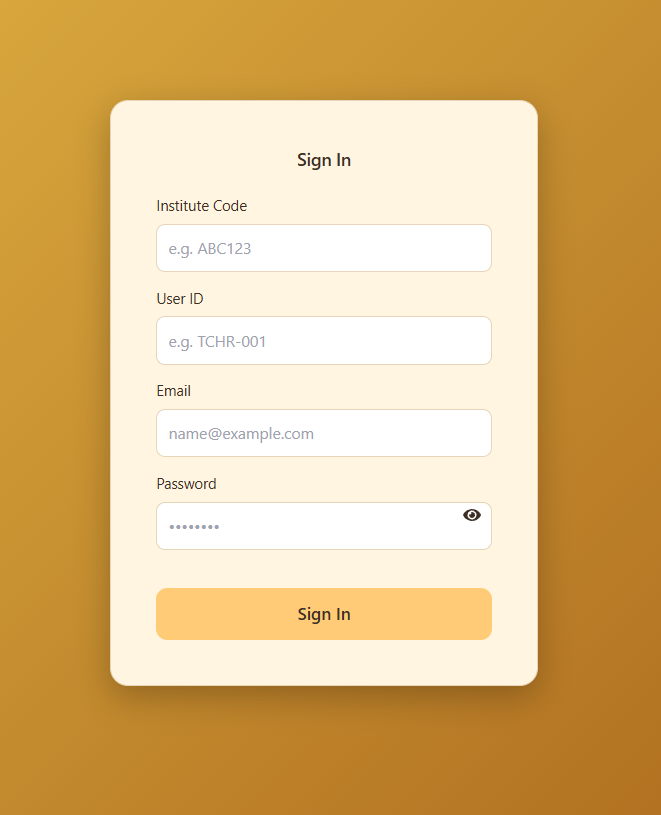
Institute Code Your institution's unique code (same for everyone at your college). User ID Your Employee ID as registered in the system (e.g. "TCHR-001" or "EMP-042").
Email The email linked to your account. Password Your account password. Click "Sign In".
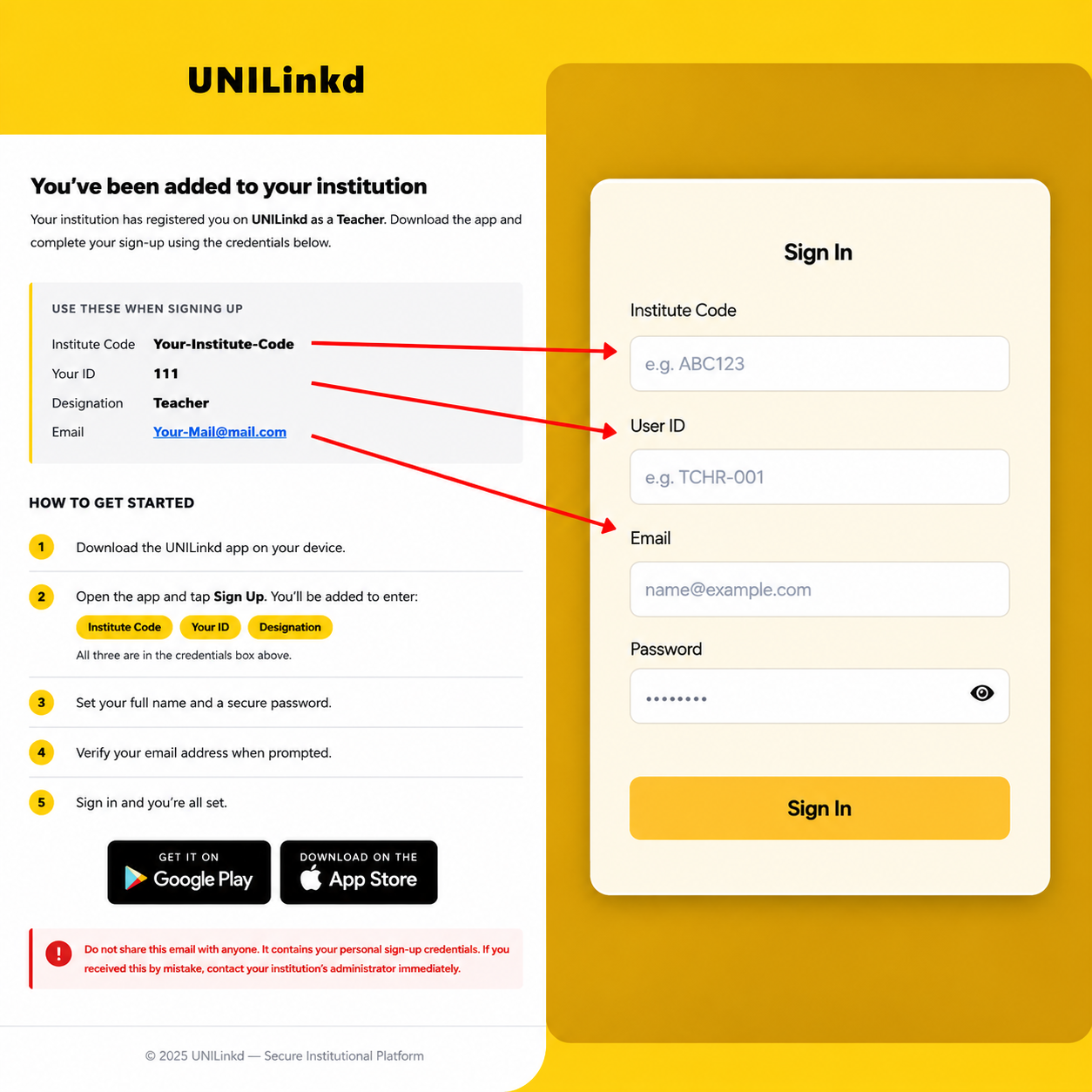
If you see an error, double-check your Institute Code and User ID first these are the most common mistakes.
You've completed this guide — How to Log In to the Dashboard