
About this feature
Student accounts give students access to the UNILinkd mobile app attendance reports, classroom chats, the placement portal, clubs, and the e-library. Admins enroll students via CSV or one at a time. A newly enrolled student is "Not Onboarded" until they log into the app for the first time, which activates their account fully. Each student can belong to only one department; an Admin must reset it if they need to change.
How to Delete Students
Remove students and optionally move them to the alumni directory.
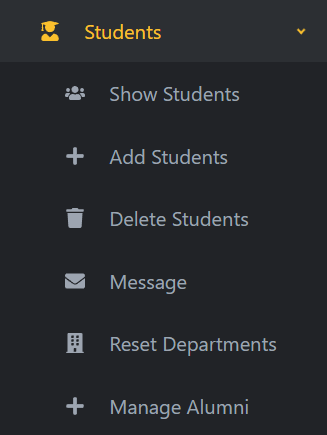
In the sidebar, click "Students" "Delete Students".
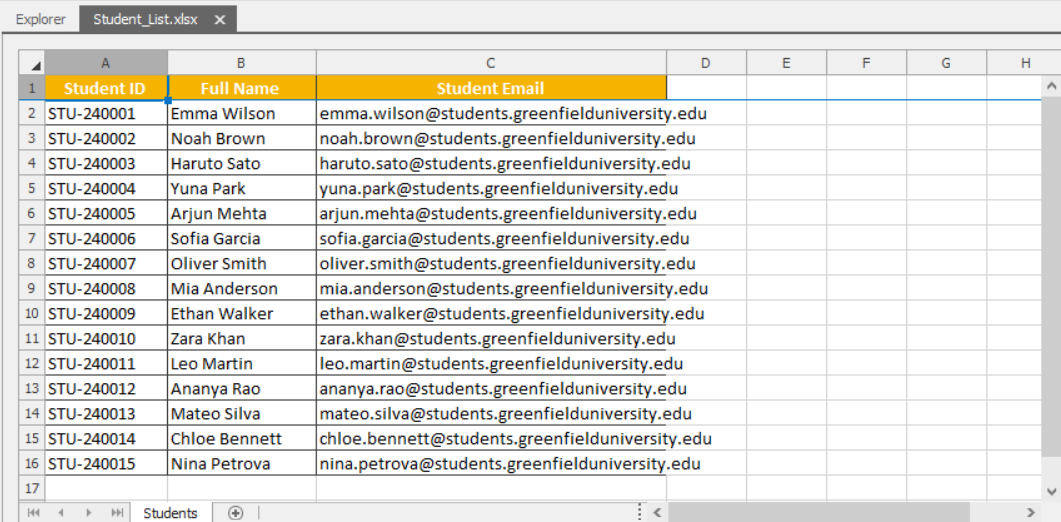
Upload a CSV or XLSX file with the Roll Numbers to remove. Select the Primary Key column.
"Add to Alumni Directory" toggle if turned ON, deleted students are moved to the Alumni section instead of being permanently removed. Recommended for graduating students.
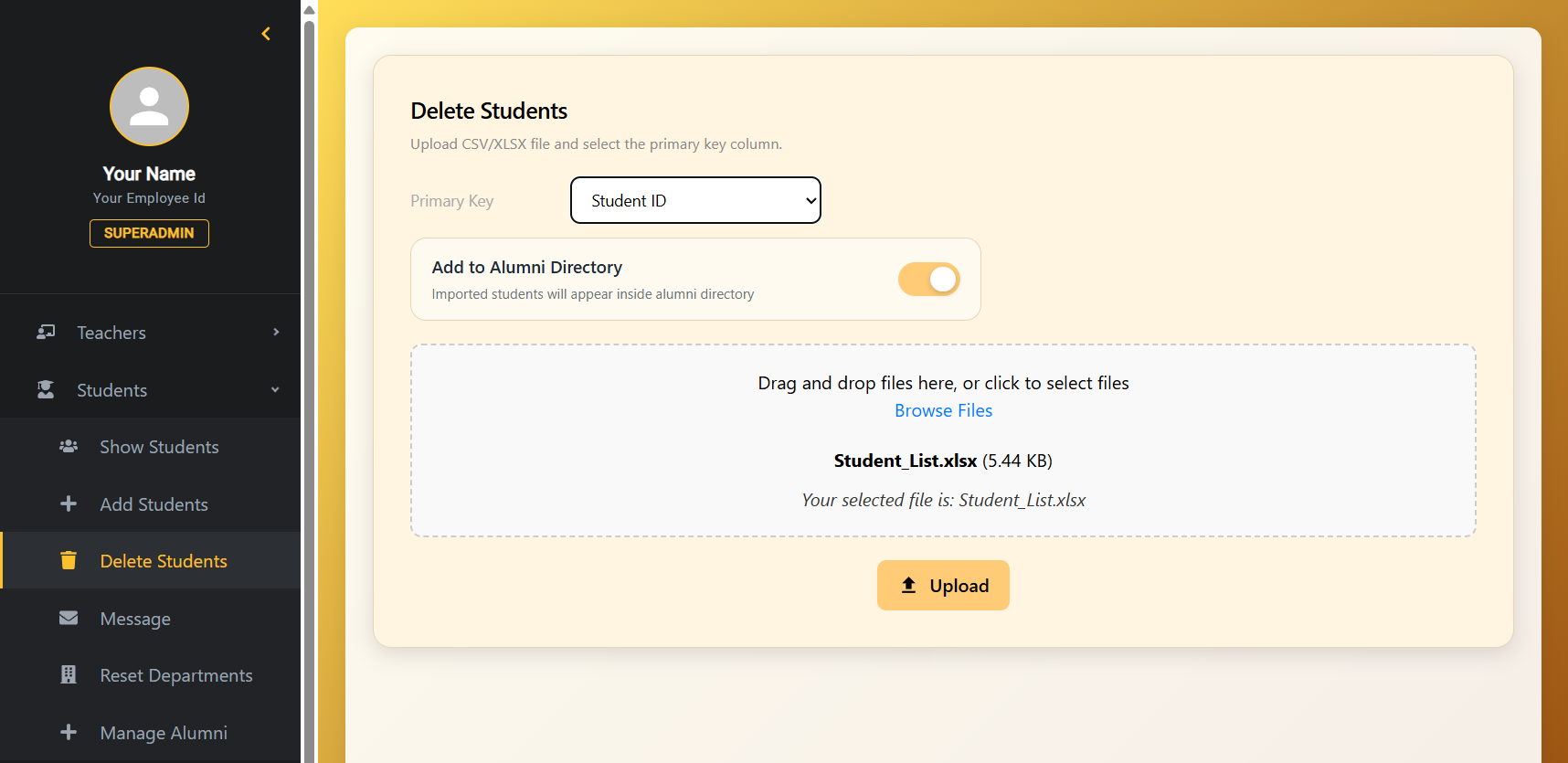
Click "Upload". This cannot be undone verify your file before uploading.
You've completed this guide — How to Delete Students