
About this feature
Teacher accounts give faculty members access to the UNILinkd dashboard and mobile app. Admins can enroll teachers in bulk using an Excel or CSV file, or add them one at a time. An enrolled teacher is "Not Onboarded" until they log into the mobile app for the first time that first login activates their account. Admins can also send private system messages to teachers and delete their accounts when needed.
How to Add a Single Teacher
Register one teacher at a time using the individual form.
In the sidebar, click "Teachers" "Add Teachers", then click the "Add Individual" tab.
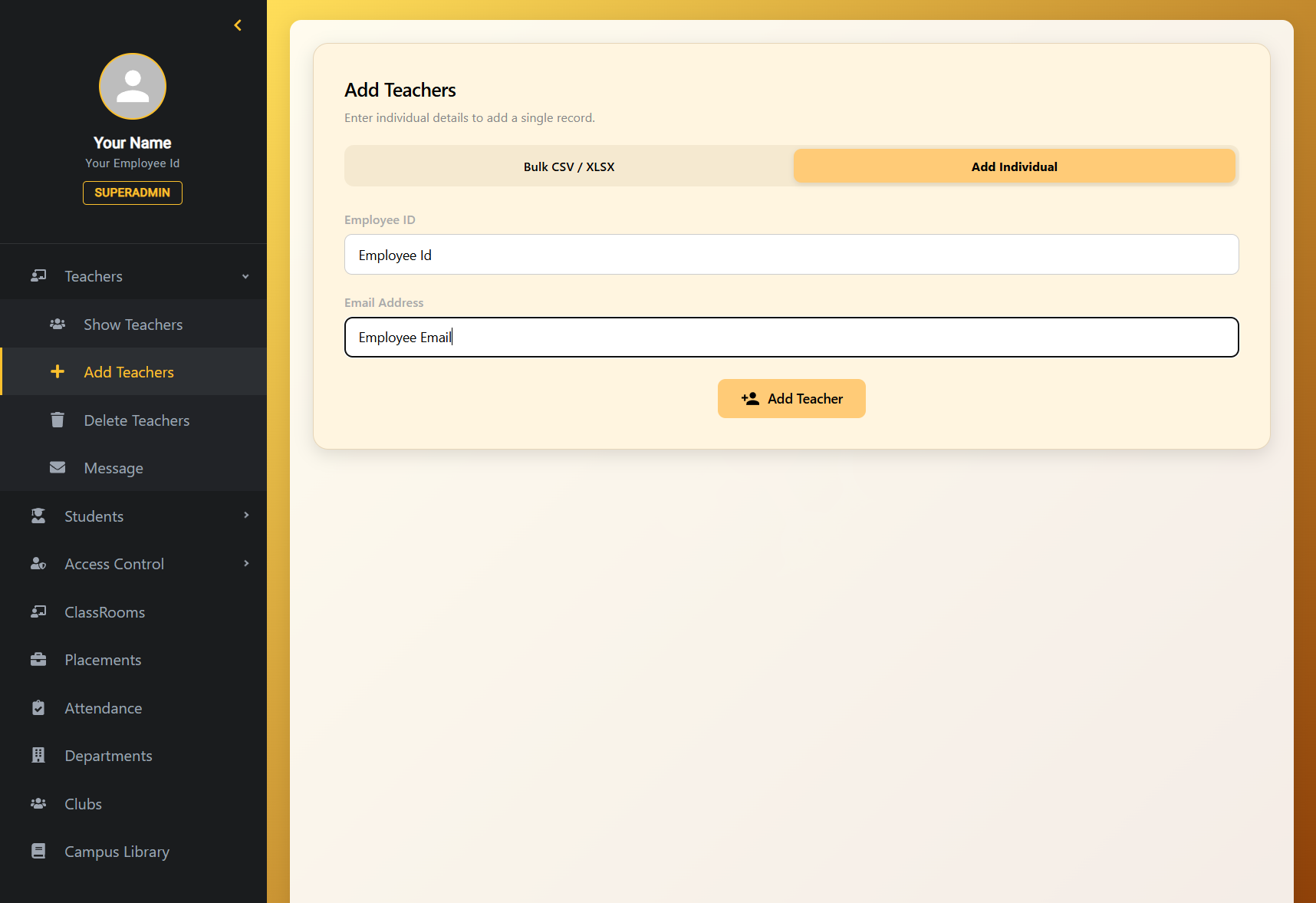
Enter the teacher's Employee ID (e.g. "EMP-2024-042") and their Email Address.
Click "Add Teacher". A success message confirms the addition. The form clears so you can add another immediately.
You've completed this guide — How to Add a Single Teacher