
About this feature
UniAI is UNILinkd's built-in AI assistant, available to all users directly inside the app. Faculty use it most for drafting announcements, summarizing long documents, and generating teaching content. Students use it most for explaining difficult concepts, summarizing chapters, and generating mock exam questions for any subject. UniAI also has a "Guide" mode ask it about your institution's own published announcements, deadlines, policies, and facilities, and it answers using only what your Admin has actually posted, not a general-purpose guess. No external subscription or separate app is needed UniAI is available to every registered user.
How to Use Guide Mode for News & Info
Ask UniAI about institution announcements, deadlines, and general policies.
Open the side drawer (☰) and tap "UniAI".
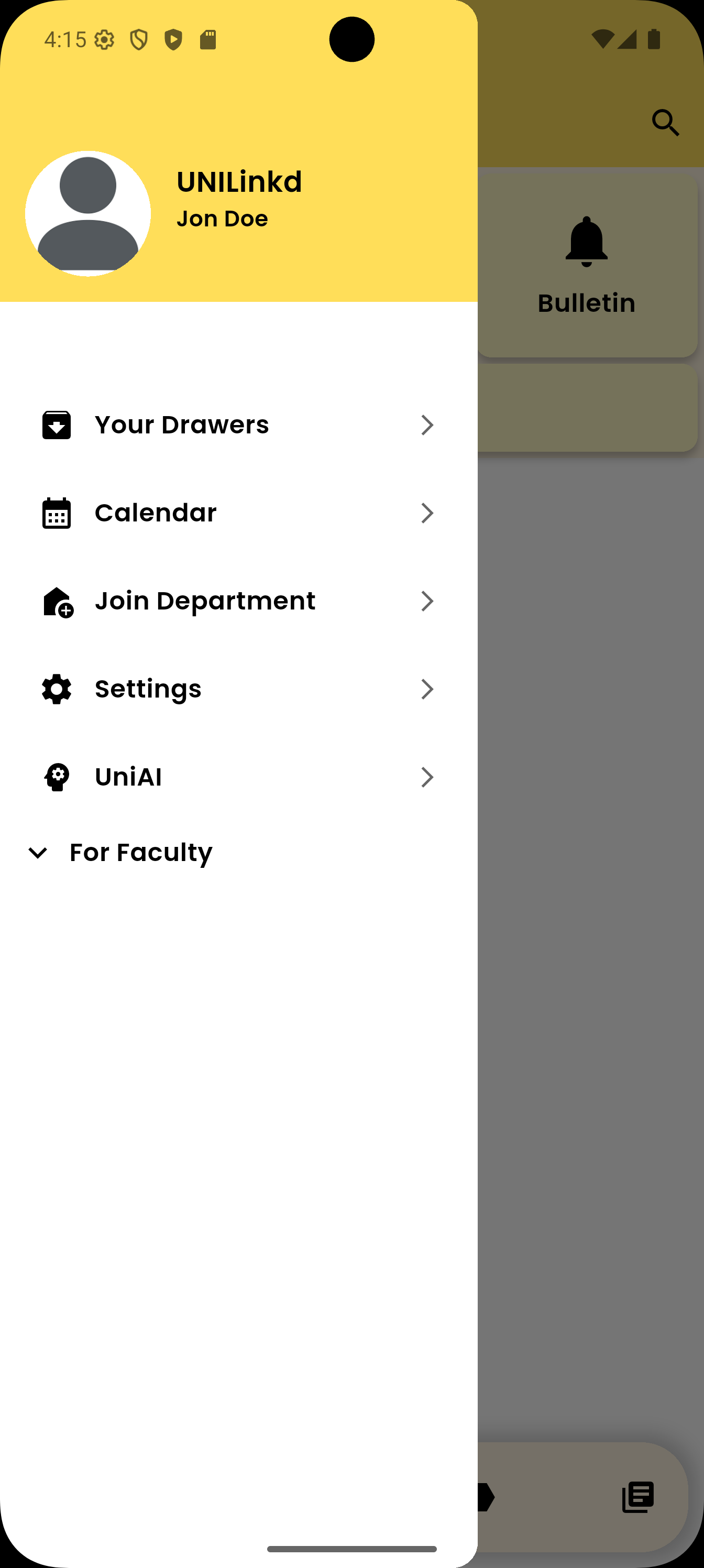
At the top, select "Guide" mode from the mode selector.
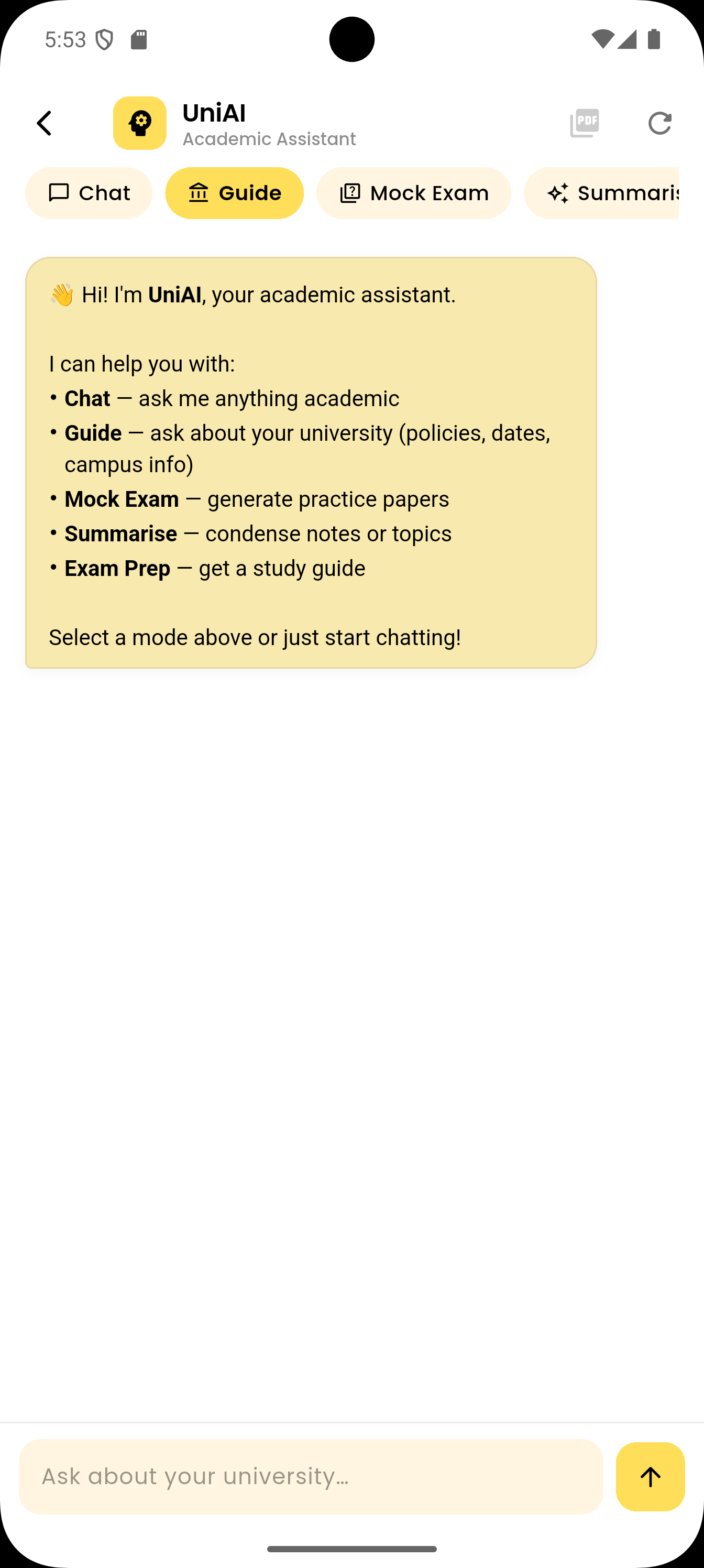
Ask about anything your institution has published recent announcements and deadlines (News & Updates), or facilities, policies, and contacts (General Info). Answers come only from what your Admin has actually published, so if something isn't covered yet, UniAI will say so rather than guess.
Guide mode questions are answered fresh each time and are not saved to your regular chat history.
You've completed this guide — How to Use Guide Mode for News & Info