
About this feature
Groups work like WhatsApp group chats but within UNILinkd any registered user at your institution can join with a group code or be added directly. Both faculty and students can create groups. Channels are optional topic threads inside a group, letting you separate conversations by subject, project, or purpose. Super Groups are one-way broadcast spaces where only the creator can post ideal for large-scale announcements.
How to Join a Group Using a Group Code
Enter a group code shared by a teacher or classmate to join a group.
Tap the "Groups" tab. Tap "Join with Code" or the join option.
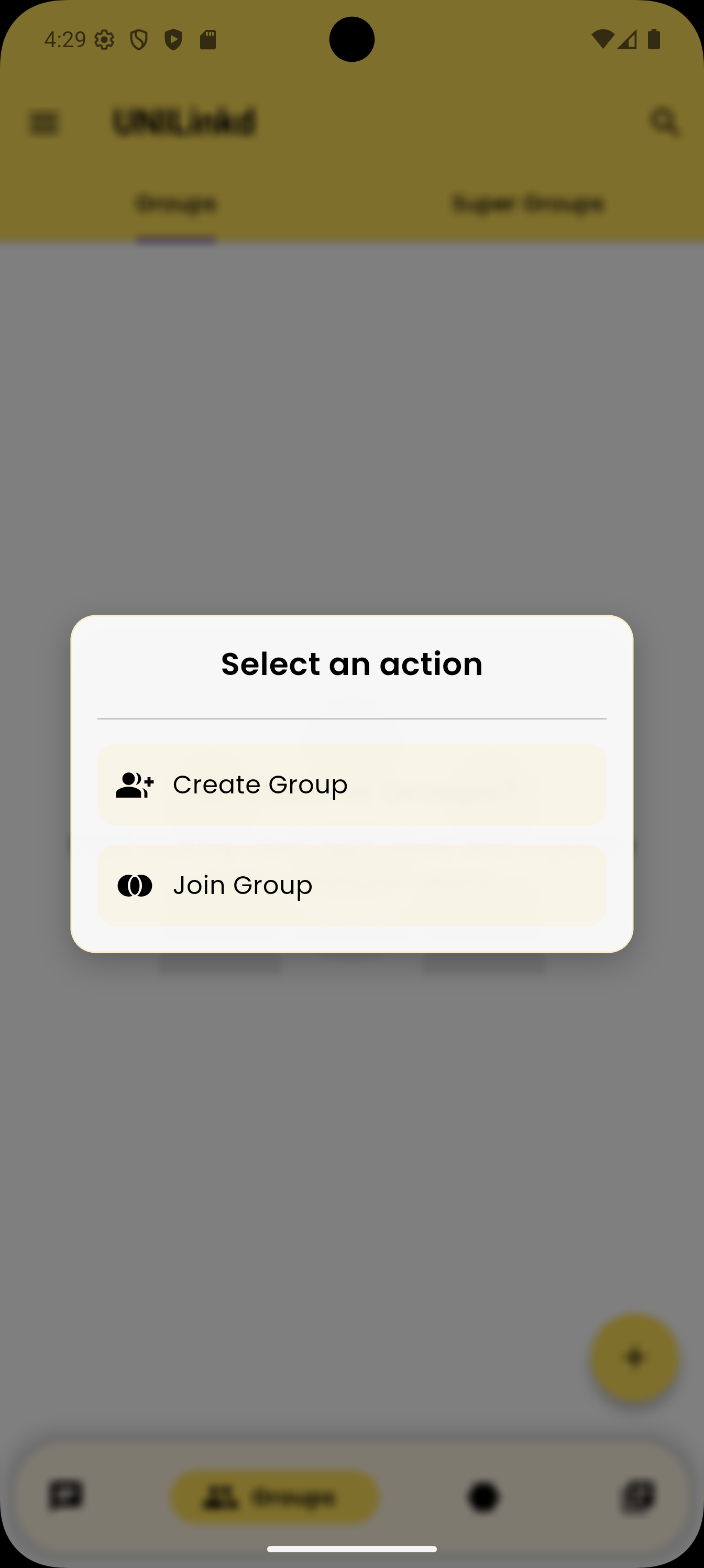
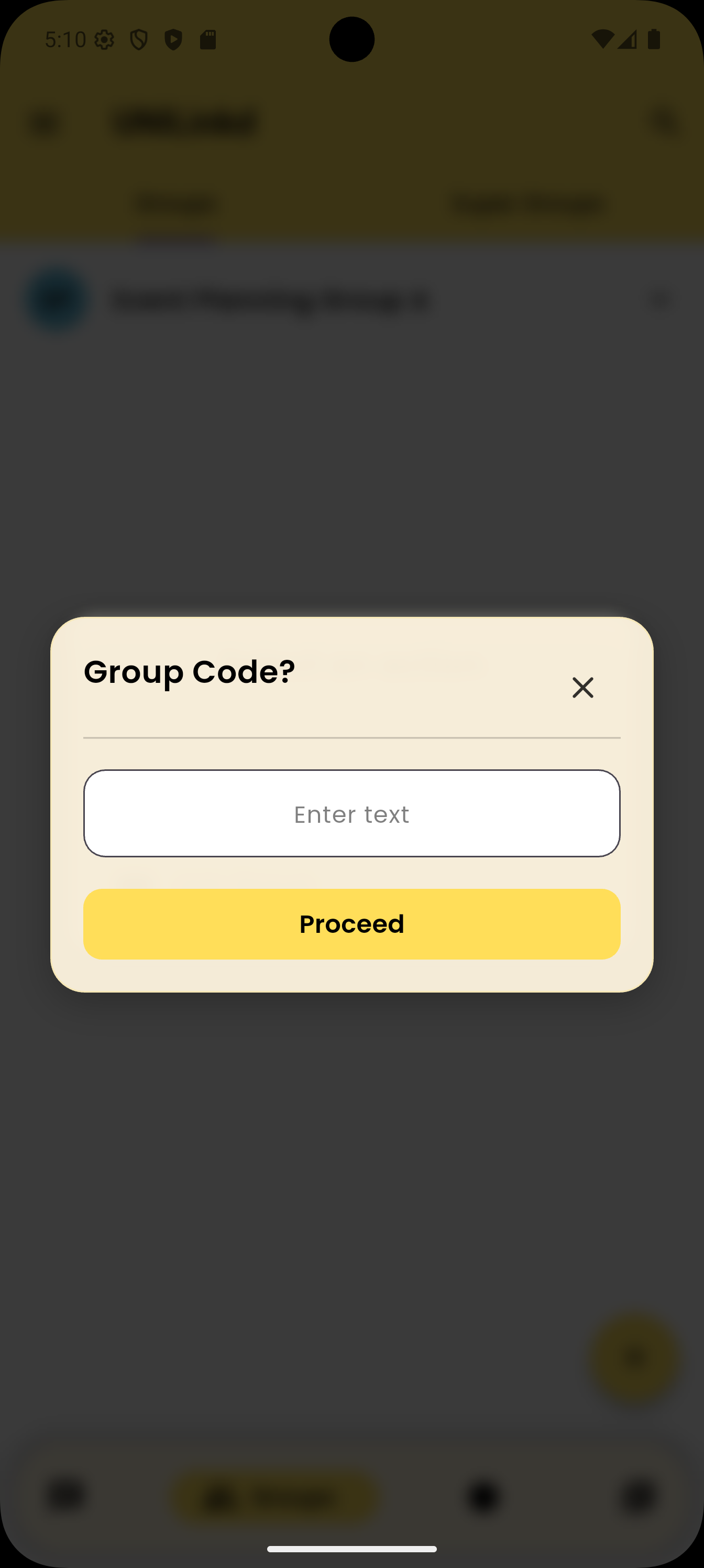
Enter the Group Code shared by whoever created the group. Tap "Join".
You are now a member. You can read and send messages in the group and any of its channels.
You've completed this guide — How to Join a Group Using a Group Code