
About this feature
Groups work like WhatsApp group chats but within UNILinkd any registered user at your institution can join with a group code or be added directly. Both faculty and students can create groups. Channels are optional topic threads inside a group, letting you separate conversations by subject, project, or purpose. Super Groups are one-way broadcast spaces where only the creator can post ideal for large-scale announcements.
How to Create a Group
Start a group conversation like a WhatsApp group but inside UNILinkd.
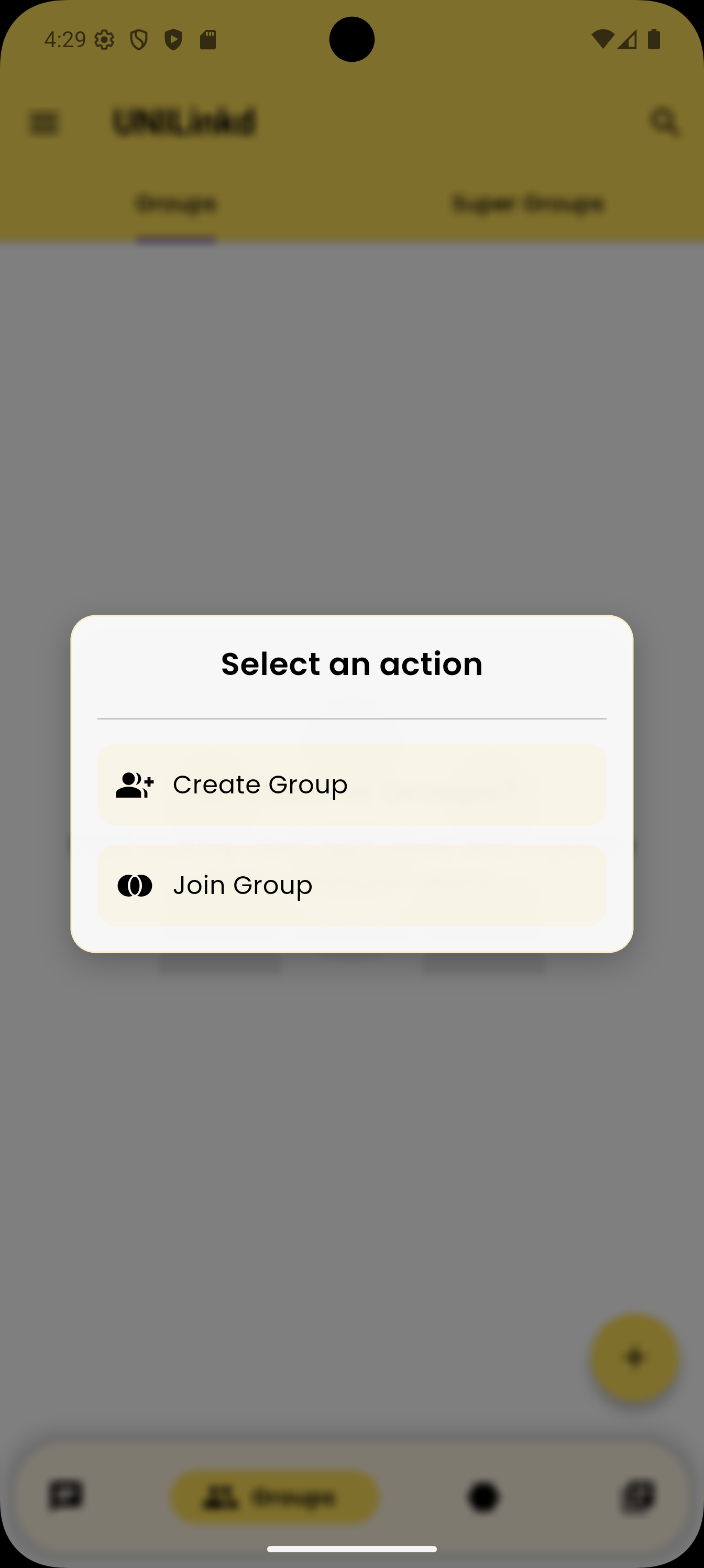
Tap the "Groups" tab. Tap the "+" button to create a new group.
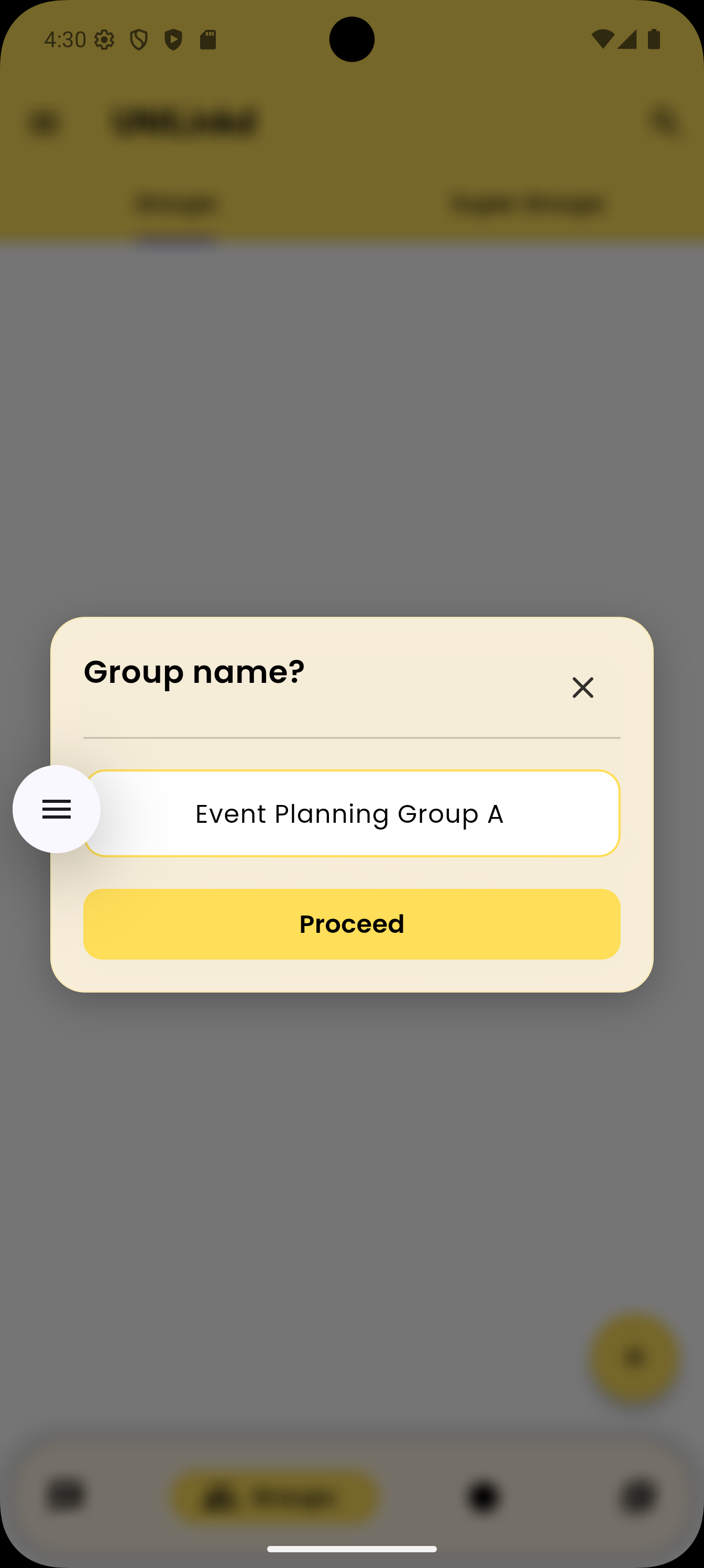
Give the group a name and add members by searching their names or Roll/Employee Numbers. Tap "Create".
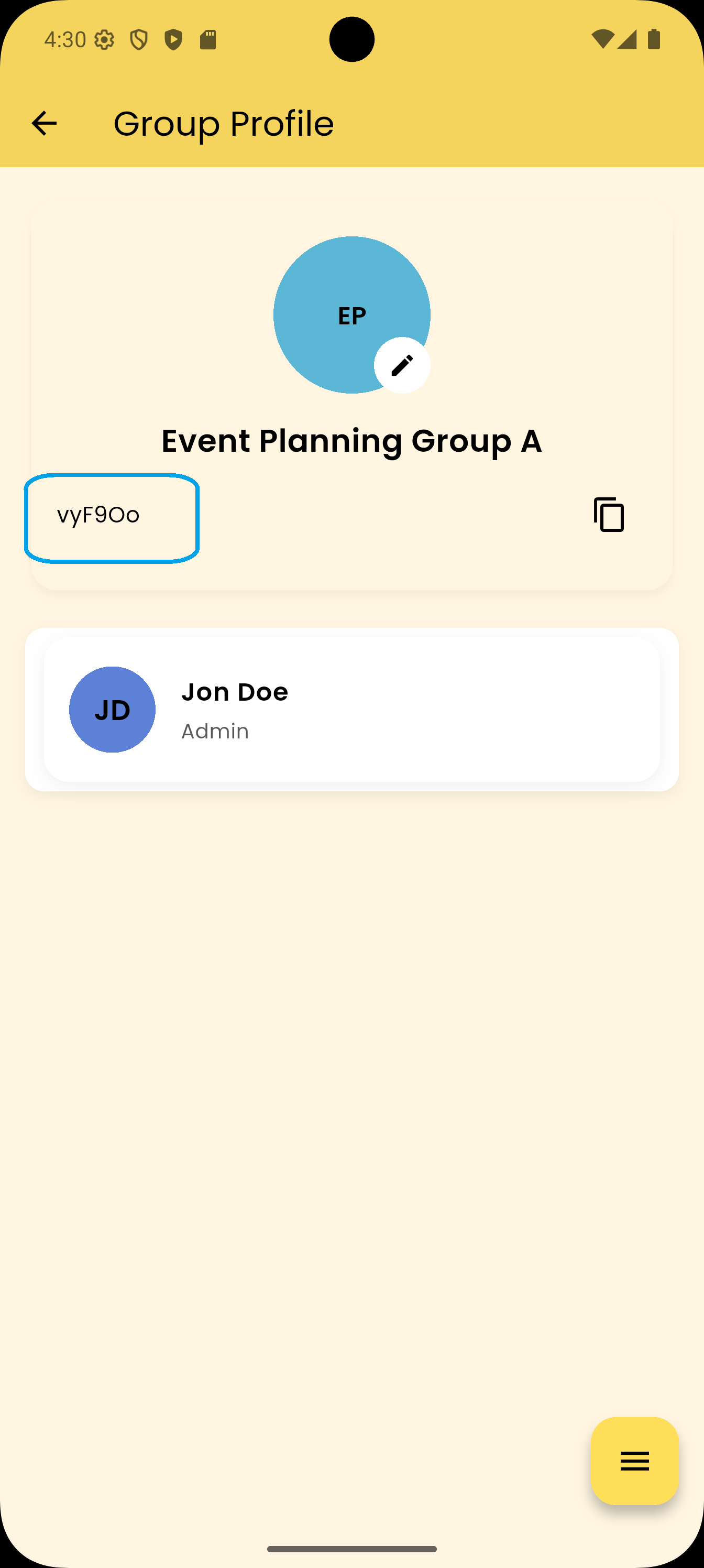
Once created, share the Group Code with anyone at your institution they can use it to join the group without being individually added.
You've completed this guide — How to Create a Group