
About this feature
The Placement Portal is your institution's managed job board. Placement coordinators post verified full-time and internship listings from the web dashboard. Students can browse, filter, apply, and track their application status directly from the app. Faculty can view all active listings to monitor opportunities for their students. Job creation and management is handled from the web dashboard, not the app.
How to Browse and Apply for Jobs (Students)
Find opportunities and apply through the Placement Portal.
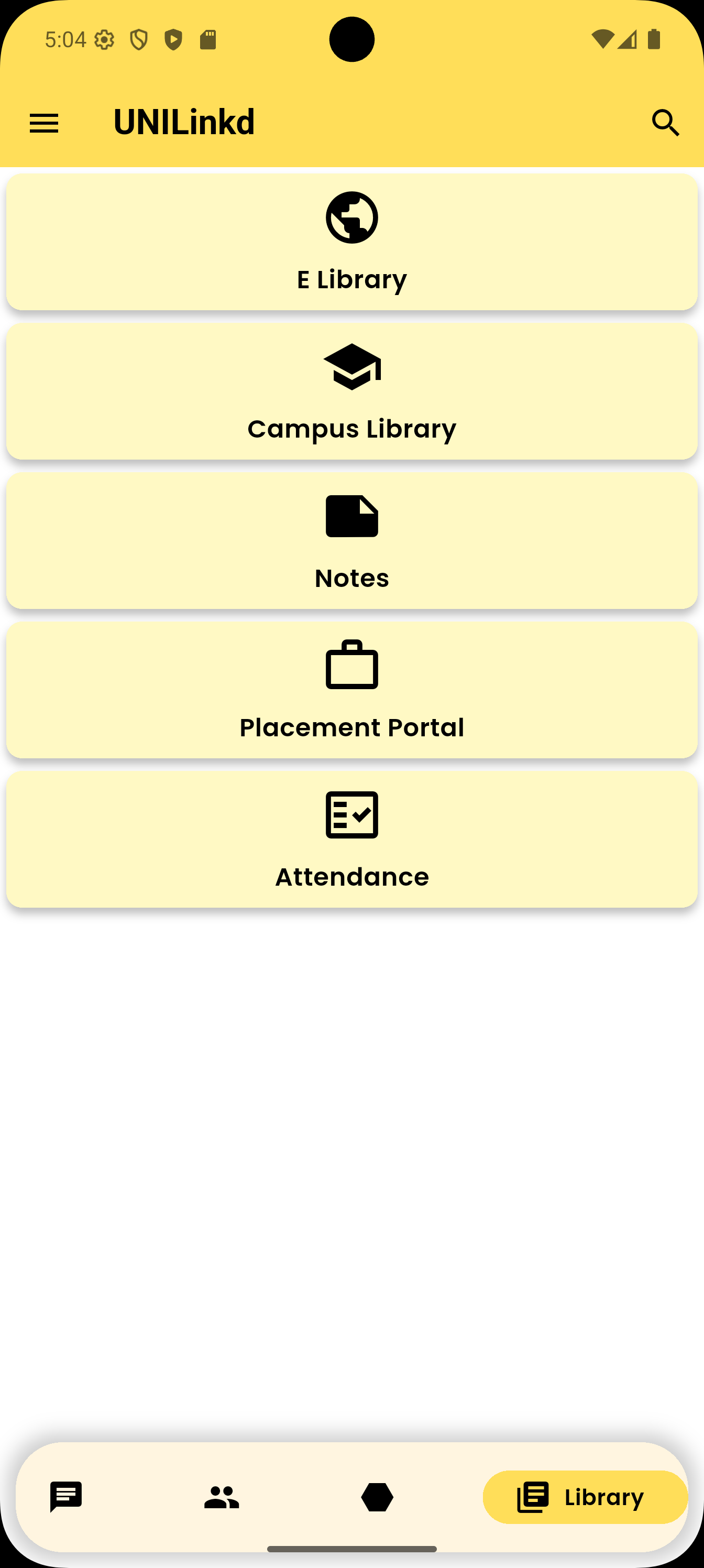
Tap "Library" "Placement Portal". Only Onboarded students can access this.
Browse listings filter by employment type (full-time, internship), work mode (remote, on-site, hybrid), or category.
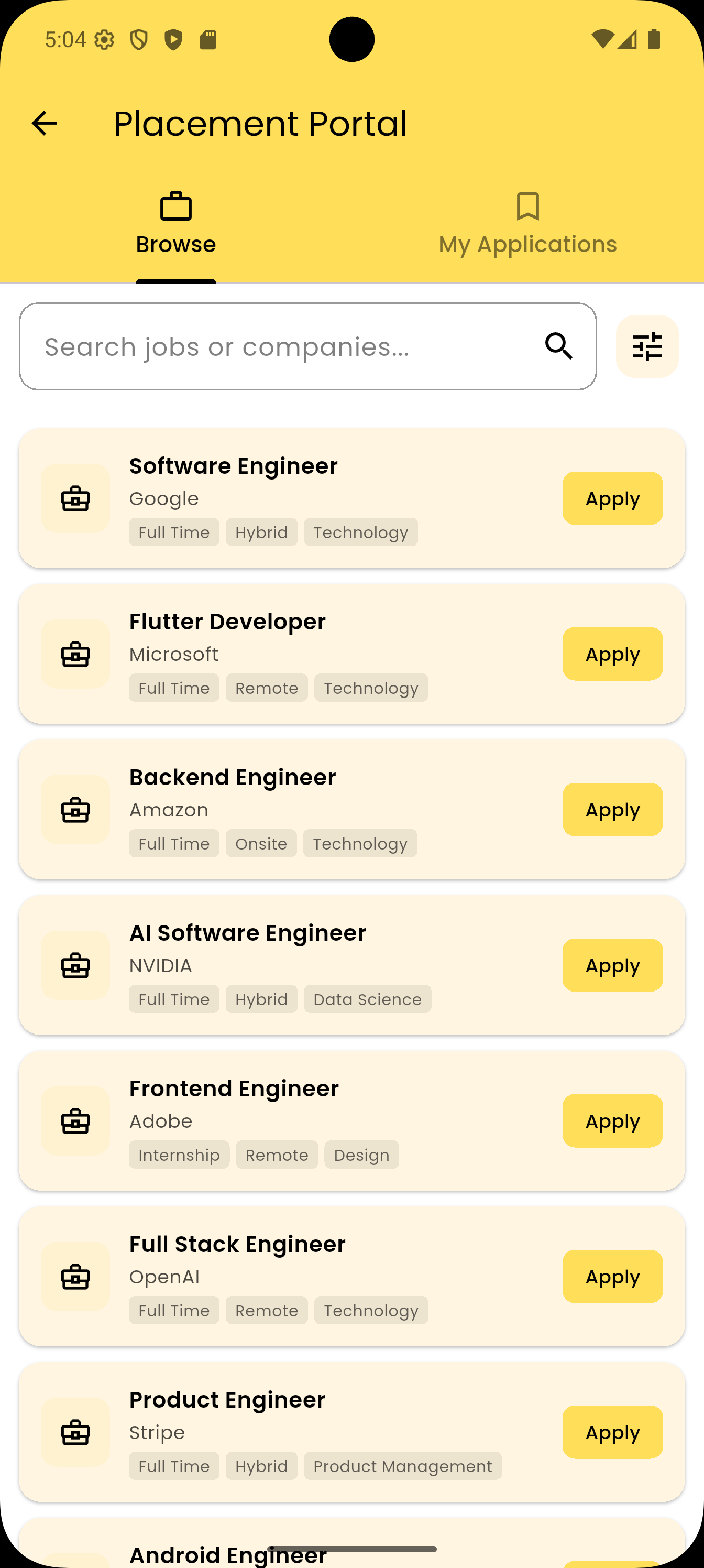
Tap a listing to read the full details. Tap "Apply" to submit your application.
Track your submissions in "My Applications" you can see the status and withdraw an application if needed.
If you cannot access the portal or apply, ask your faculty admin to check your placement access status it may have been revoked.
You've completed this guide — How to Browse and Apply for Jobs (Students)