
About this feature
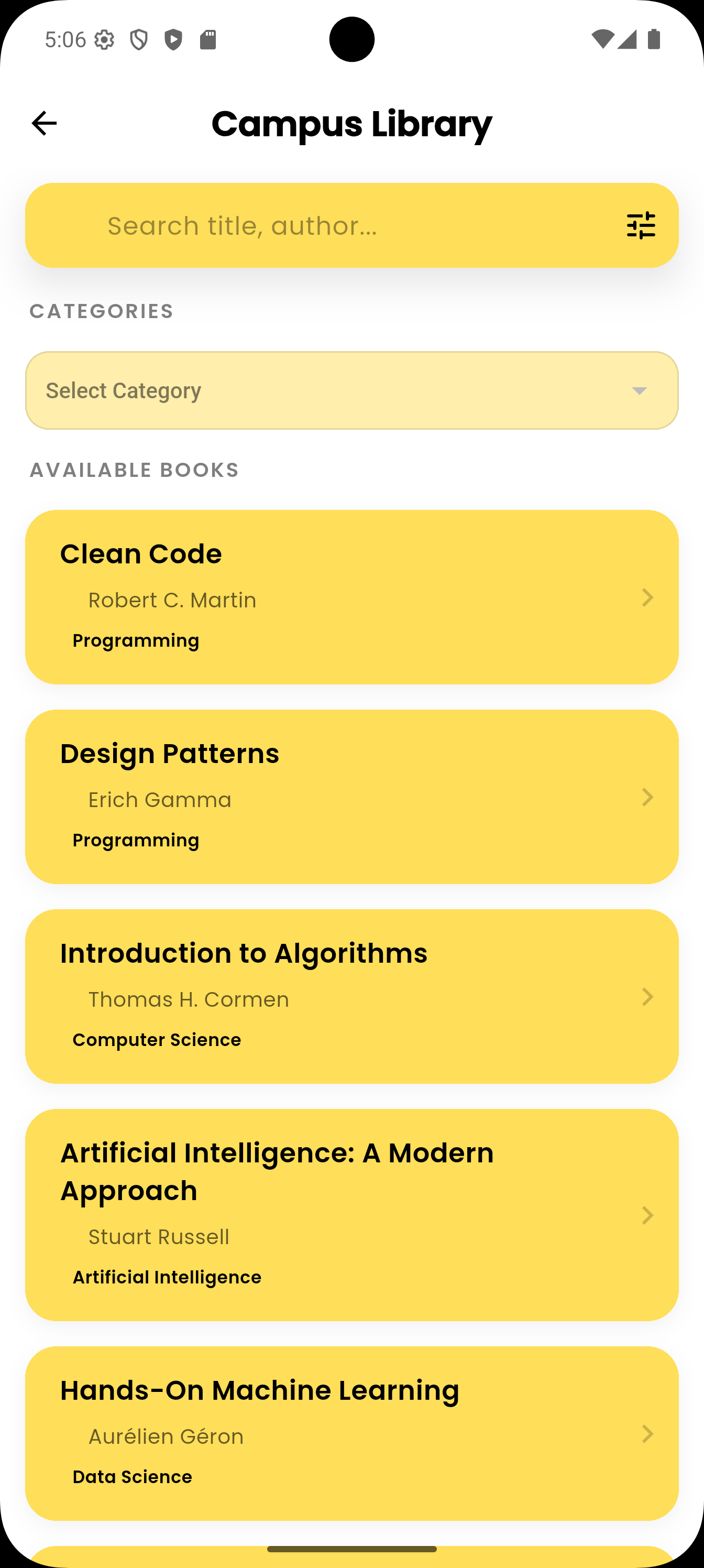
The Library tab has three distinct areas. The E-Library is UNILinkd's own digital content platform a curated collection of free and paid books available to any UNILinkd user, permanently. Even after a student graduates, they keep access to any content they purchased on the E-Library it stays with the account, not the institution. The Campus Library is your institution's physical book catalog, managed by your institution's admins, searchable by genre, author, or subject to check availability before visiting in person. Documents is where you self-serve download certificates and letters your institution has made available to you your name, email, and ID fill in automatically.
E-Library vs Campus Library What's the Difference?
Learn the difference between the two library sections.
The app has two distinct library sections: E-Library and Campus Library.
E-Library is UNILinkd's own collection of books and resources free and paid PDFs available to all users. This is not tied to your institution. Users who purchase content on E-Library can access it even after they graduate or leave the institution.
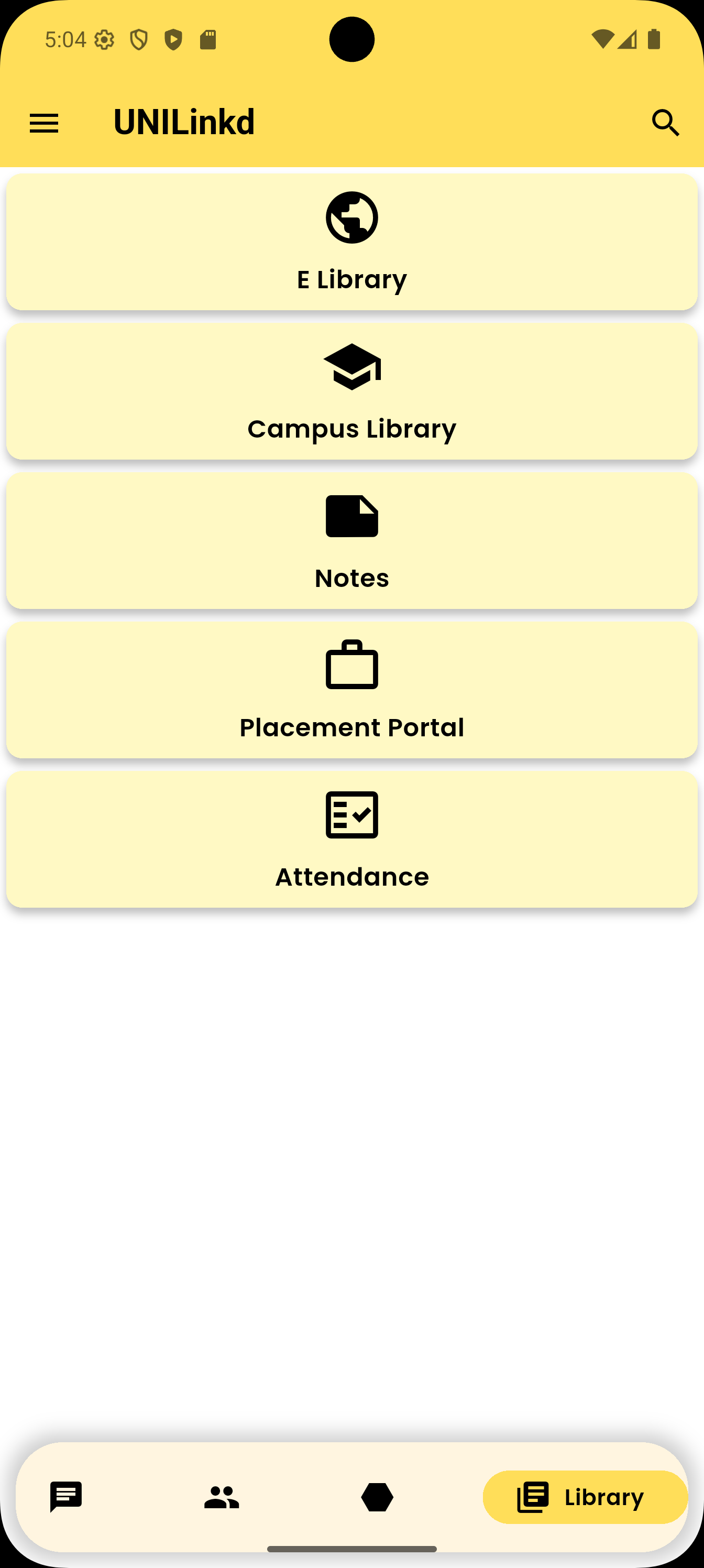
Campus Library is your institution's physical library catalog. Students can search for books available at your campus by genre, author, or subject and check availability. Books in this catalog are managed by your institute's Admins and Sub-Admins.
You've completed this guide — E-Library vs Campus Library What's the Difference?