
About this feature
Clubs are UNILinkd's community spaces. Each one is an interest-based board for your entire institution, similar to a university-wide Reddit (Coding Club, Photography Society, Debate Club, and so on). Only Faculty can create clubs. Once created, anyone can discover and join them. Members can post and comment depending on the club's settings. Each club is run by its admins: the faculty member who created it and up to four moderators they appoint. Club admins control permissions, moderate posts, and pin important posts as Community highlights at the top of the club. All club posts expire automatically after 6 months.
How to Browse and Join Clubs (Students)
Discover clubs at your institution and become a member.
Tap the "Clubs" tab, then search for a club by name or browse the full list. More clubs load as you scroll.
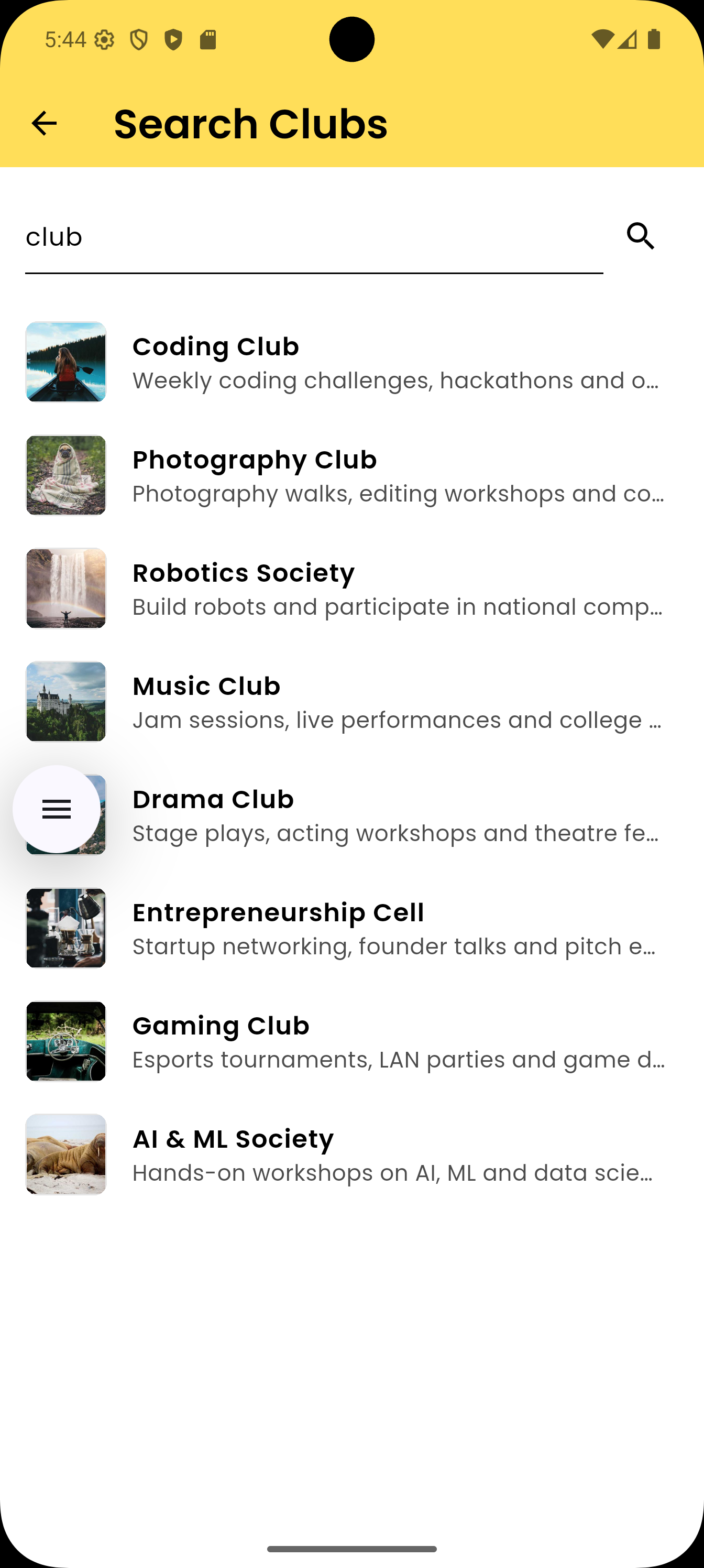
Open a club to see its Community highlights and recent posts. Posts stay for 6 months before they are automatically cleared.
Tap "Join" next to the club's name to become a member. Depending on the club's settings, you can then post and comment. To leave later, open the club's ⋮ menu and choose "Leave club".
You've completed this guide — How to Browse and Join Clubs (Students)