
About this feature
The Notes module connects faculty-uploaded study material with students who need it. Faculty create "Note Sets" collections of PDFs, slides, or images and share them via a private access code. Students enter the code once to permanently unlock that set and download files anytime. This replaces sending files in group chats, where they get buried. Multiple note sets from different professors can be unlocked with different codes.
How to Create and Share Notes (Faculty)
Upload study material and generate a code for students to access it.
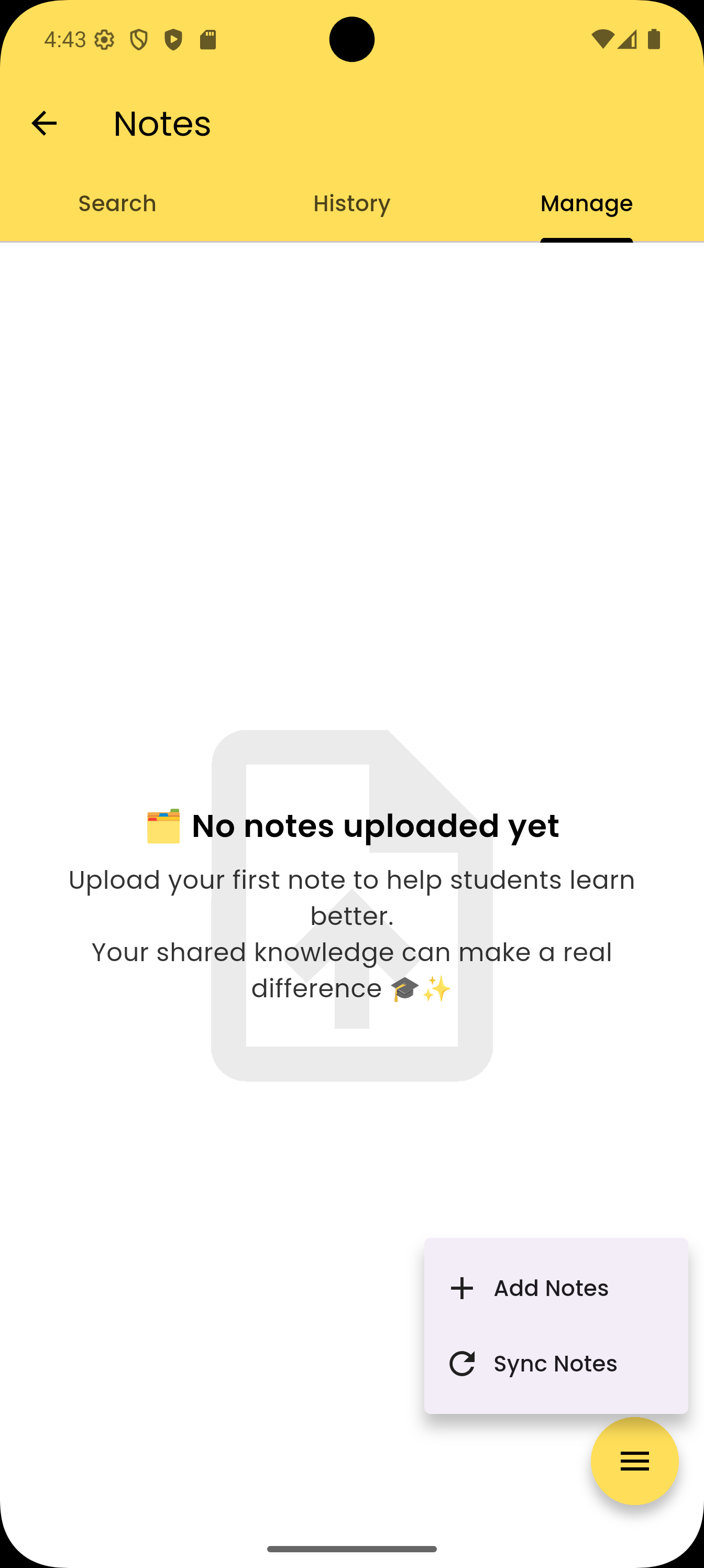
Tap the "Library" tab "Notes" "Manage" (faculty-only tab).
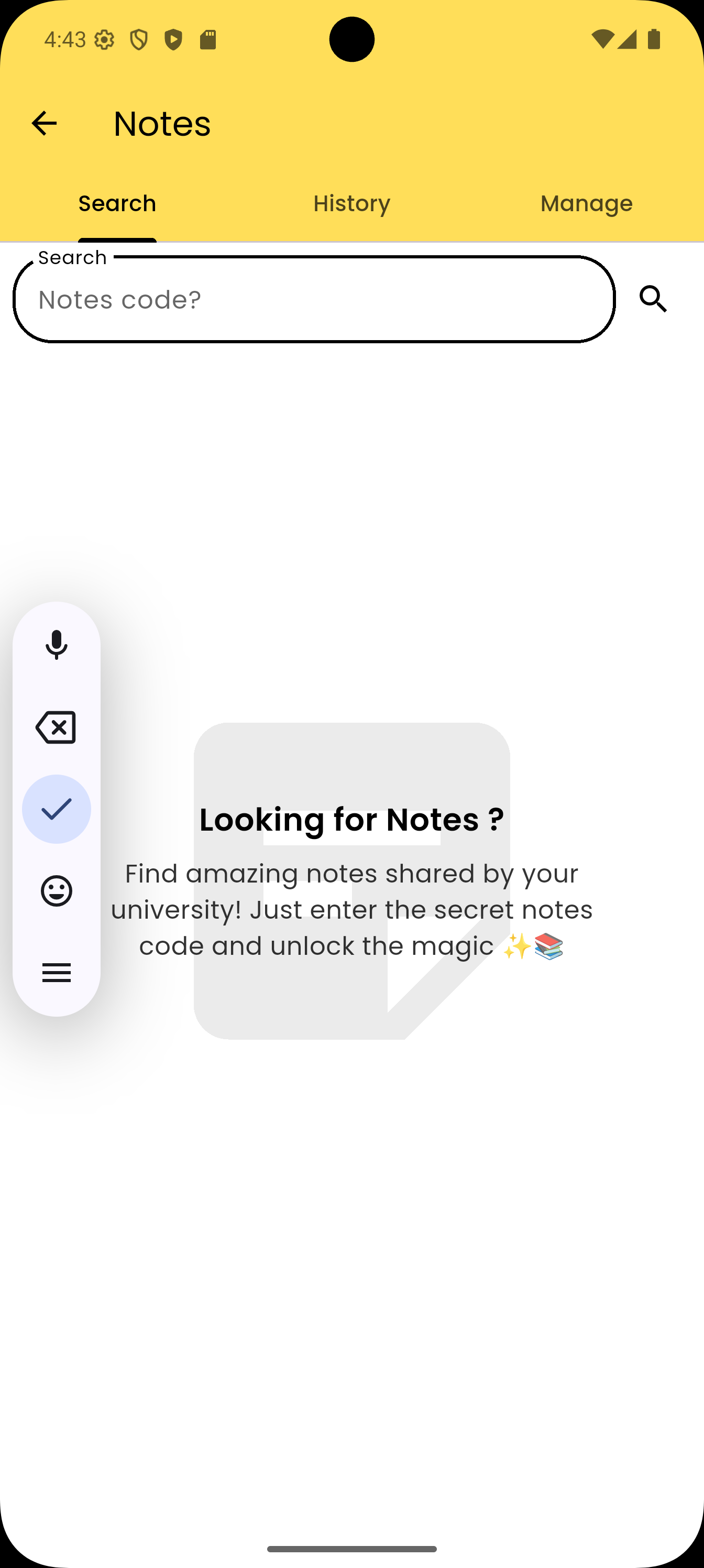
Tap "Add Notes". Enter your notes code and your notes URL
Once created, a unique Note Code is generated for that set. Share this code with your students they enter it in the app to access your notes.
You can view, update, or delete your note sets from the Manage tab at any time.
You've completed this guide — How to Create and Share Notes (Faculty)