
About this feature
Direct messages are private one-on-one conversations between any two registered users at your institution. Search for anyone by name a professor, student, or colleague and message them without needing a phone number. Files, images, voice messages, and documents can all be shared in a DM. This is the primary channel for personal academic communication on UNILinkd.
How to Send a Direct Message
Start a private one-on-one conversation with anyone at your institution.
Tap the "Chats" tab. Tap the search or compose icon.
Search by name — you can find any registered student or staff member at your institution.
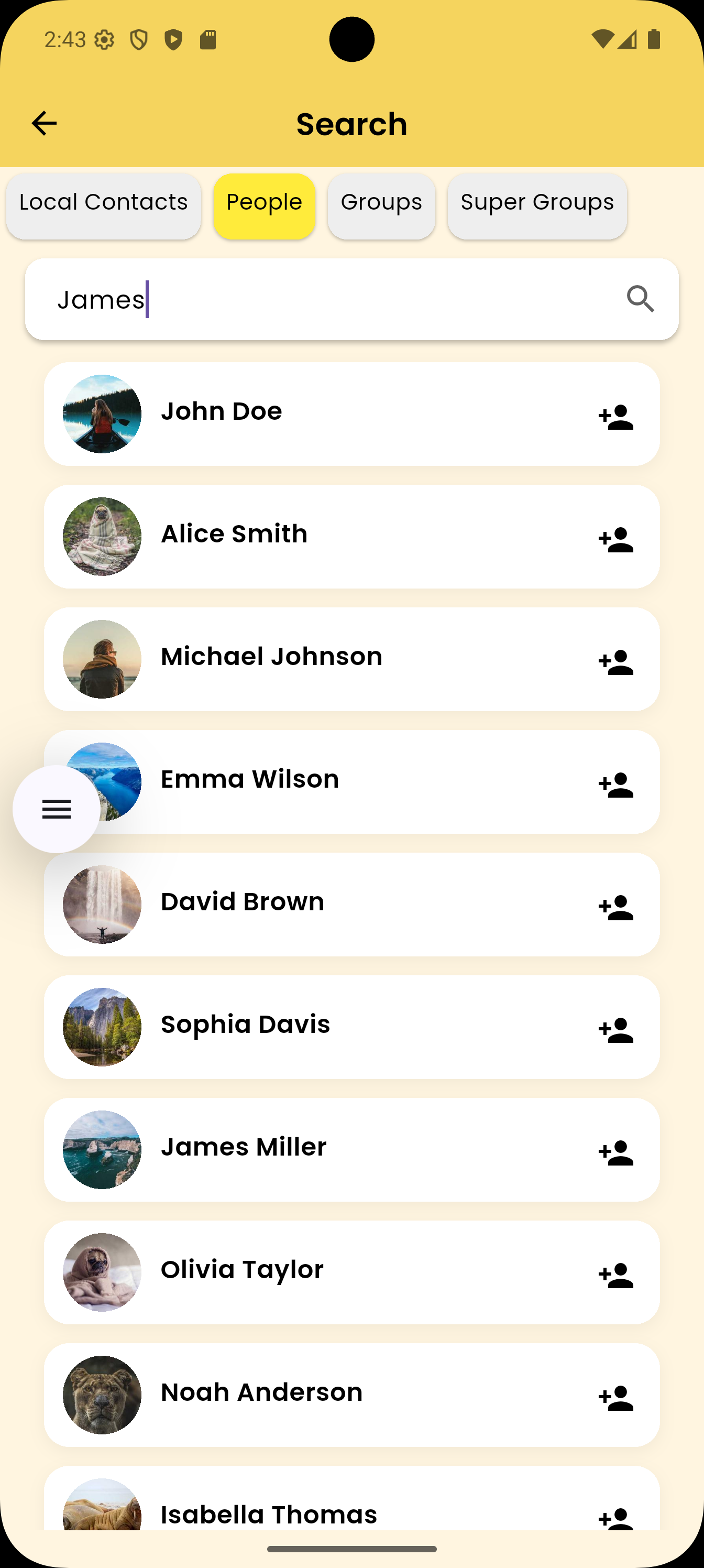
Add user to open a chat. Type your message and tap Send.
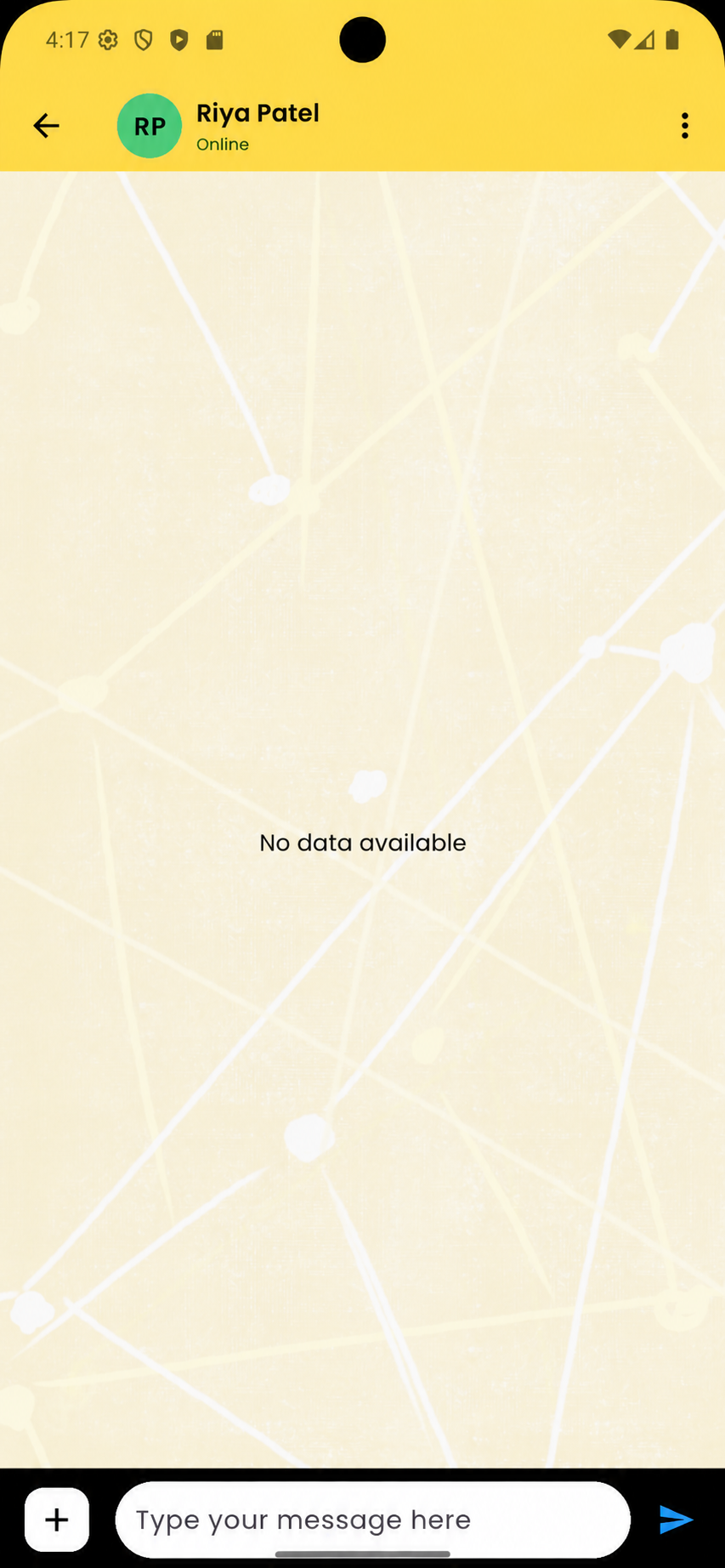
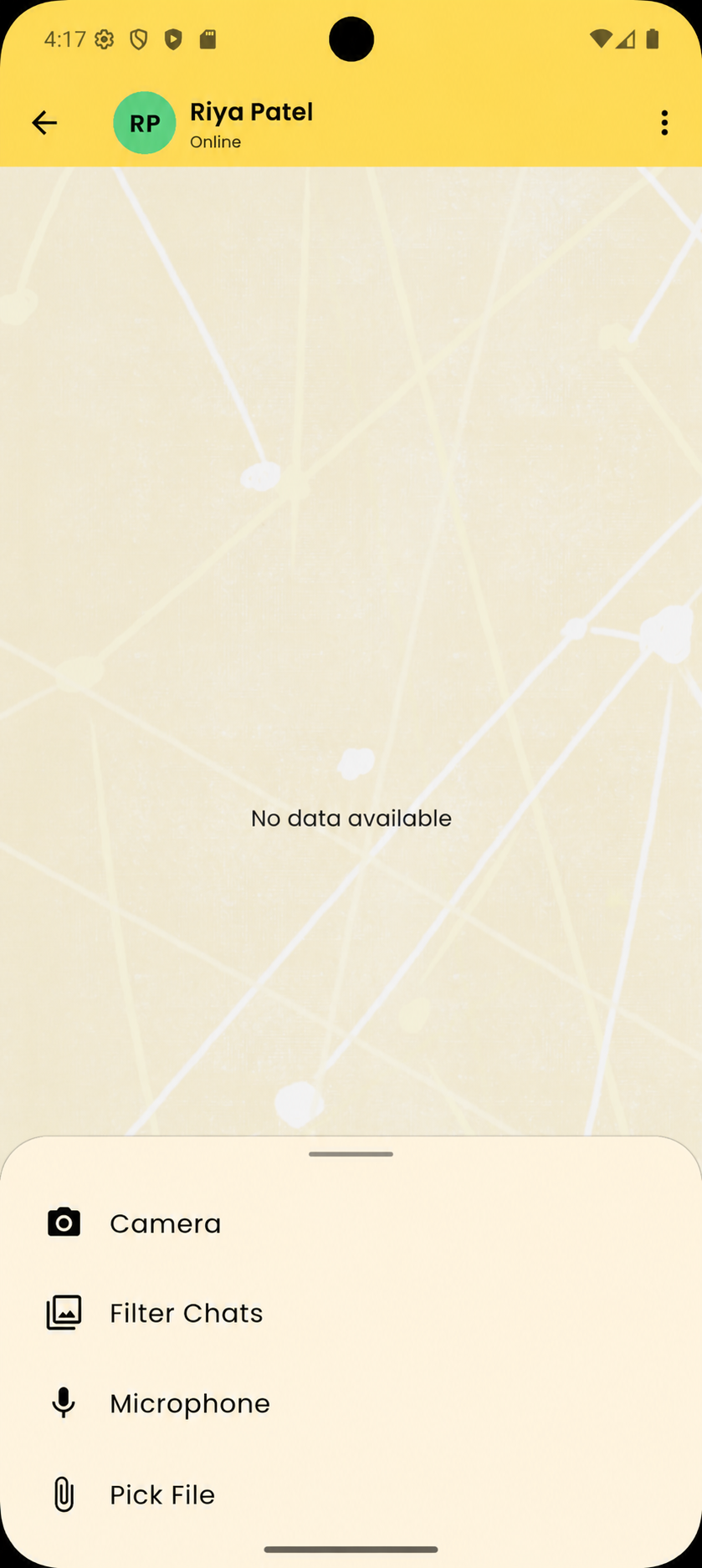
Share files by tapping the attachment icon (📎) — choose Image, Document, Video, or Audio. Hold the microphone icon to send a voice message.
You've completed this guide — How to Send a Direct Message