
About this feature
The Notes module connects faculty-uploaded study material with students who need it. Faculty create "Note Sets" collections of PDFs, slides, or images and share them via a private access code. Students enter the code once to permanently unlock that set and download files anytime. This replaces sending files in group chats, where they get buried. Multiple note sets from different professors can be unlocked with different codes.
How to Access Notes Using a Note Code (Students)
Use a code shared by your professor to unlock their note collection.
Your professor will share a Note Code with you (e.g. via classroom chat or verbally). This code unlocks their specific set of uploaded notes.
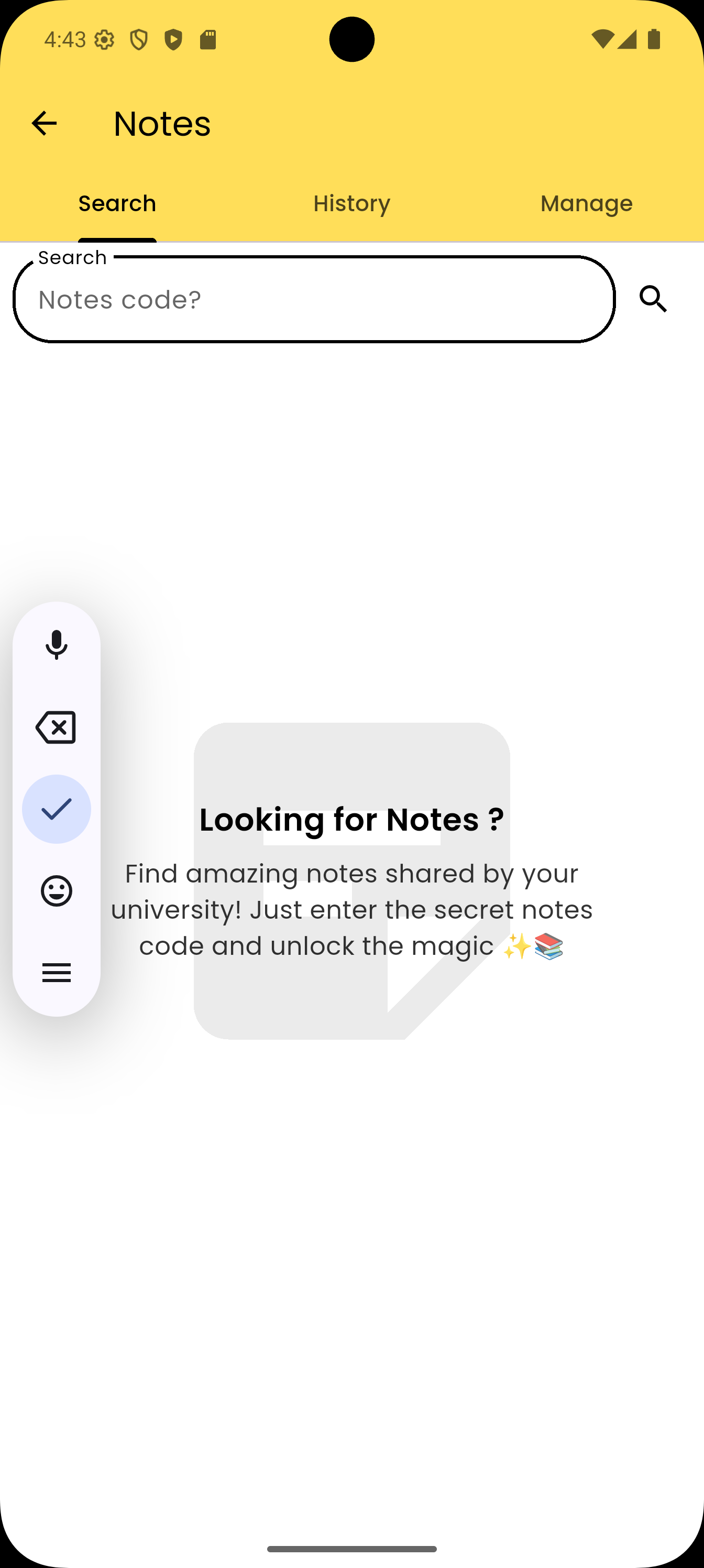
Tap "Library" "Notes". Tap "Enter Note Code" and type in the code your professor gave you.
The note set unlocks. You can browse all files, preview them, and download for offline reading.
You can access multiple note sets by entering different codes from different professors.
You've completed this guide — How to Access Notes Using a Note Code (Students)