
About this feature
The UNILinkd app is available on Android and iOS for both faculty and students. This section covers account setup, first login, and navigating the app follow the guide for your role. Faculty get additional tools including attendance submission, note creation, Google Meet integration, and announcement posting. Students have access to messaging, clubs, classrooms, the placement portal, and AI study tools.
Navigating the App
Understand the bottom tabs and the side drawer.
The app has four main tabs at the bottom: Chats (direct messages), Groups (group chats and channels), Clubs (community boards), Library (notes, classrooms, e-library, campus library, placements, attendance, subjects).
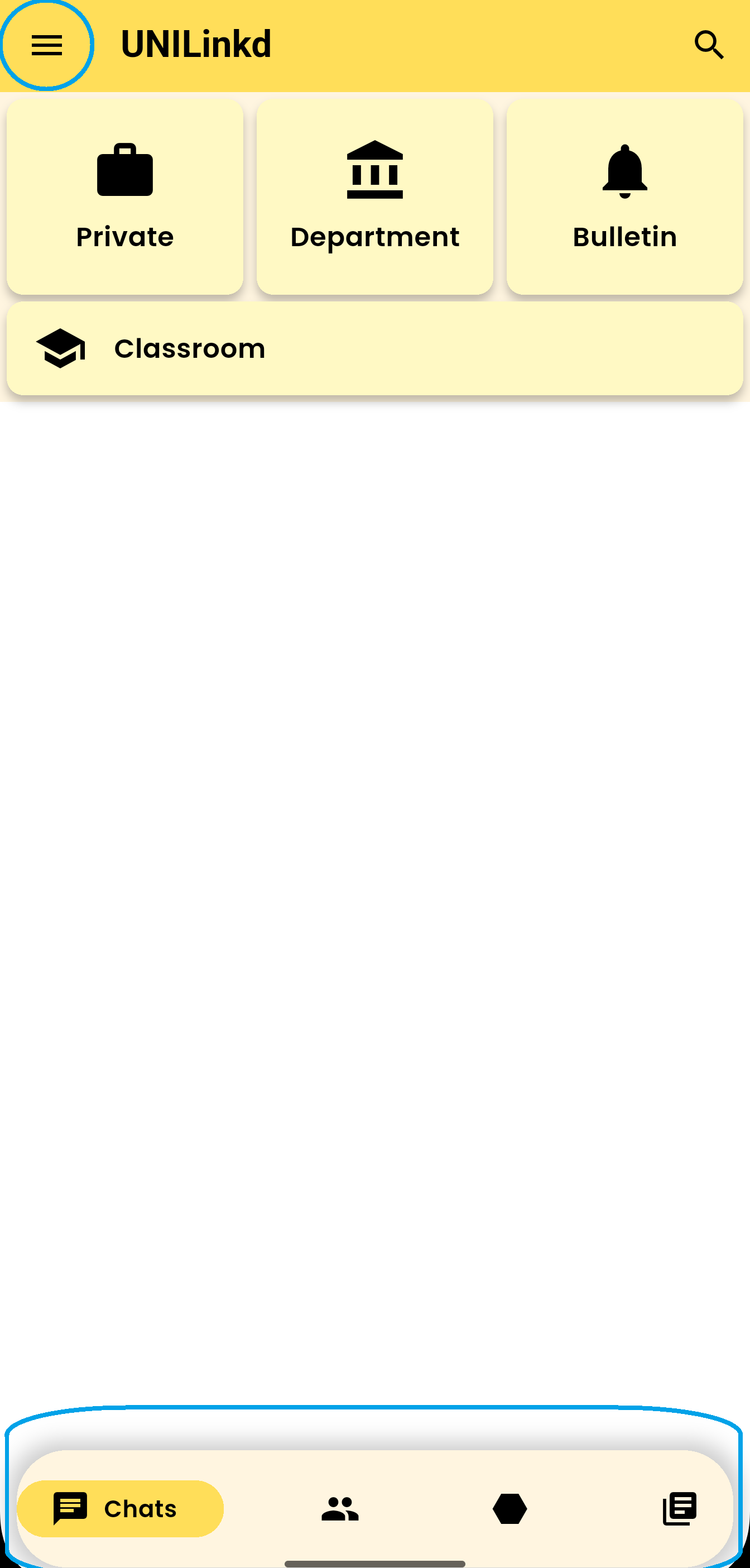
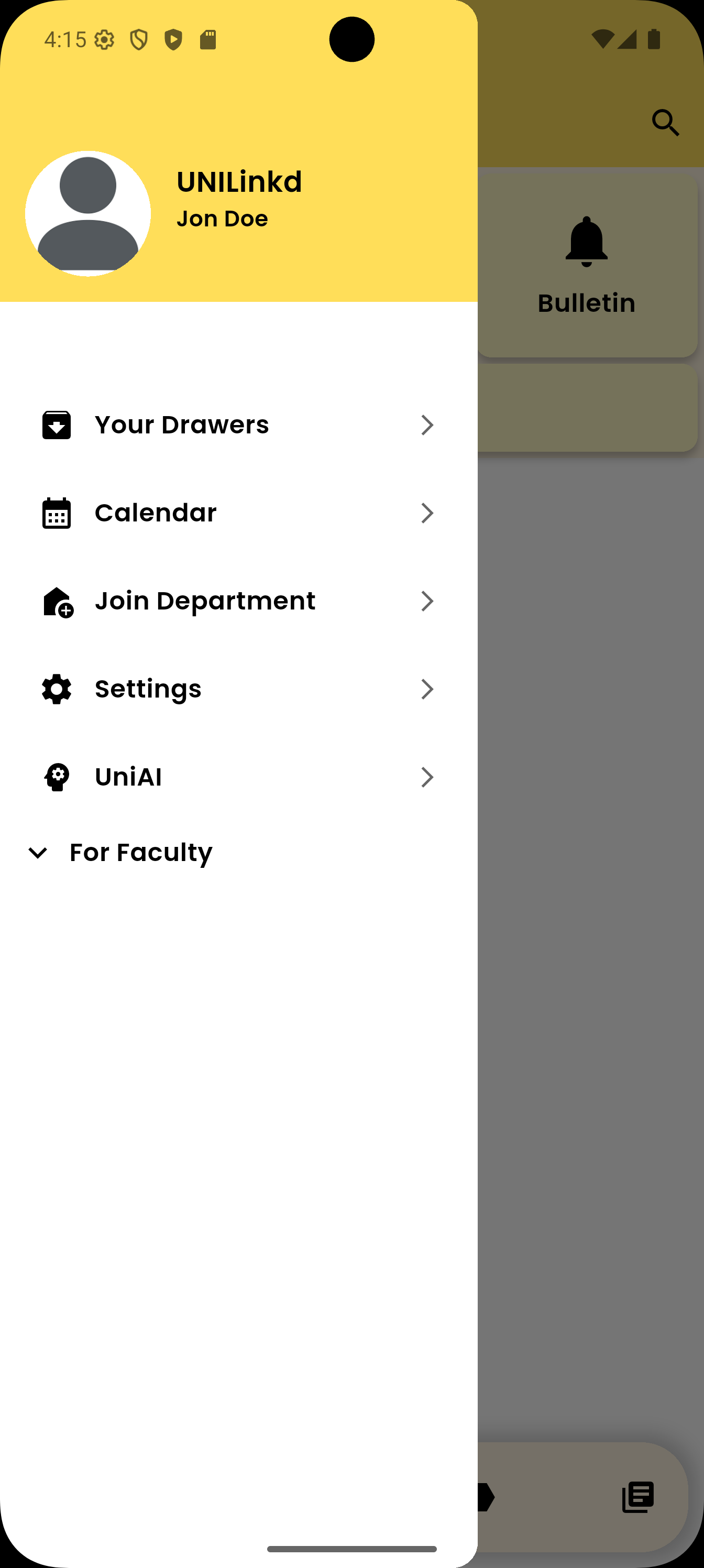
Tap the menu icon (hamburger icon at the top-left) to open the side drawer. This has: Drawers (media folders), UniAI, and Settings.
In the Library tab: Faculty additionally see "Attendance Registry" for taking and reviewing attendance. Students see "Attendance" to view their own report. Everyone sees "Subjects" to browse the subject list.
You've completed this guide — Navigating the App