
About this feature
Classrooms are set up by your institution's admins on the web dashboard. Faculty are assigned as incharge teachers; students are assigned automatically. Each classroom has a group chat for real-time communication between teacher and students, a weekly timetable, and shared resources. Faculty can additionally create Google Meet sessions that are shared only with classroom students. This replaces separate WhatsApp groups and physical timetable sheets for every class. Faculty can also open a dedicated Teaching Schedule to see every class they are assigned to teach across all their classrooms in one place.
How to Access Your Classroom (Students)
Find your classroom and view the timetable and class chat.
Classrooms are created by your college admins and you are automatically added to your assigned classroom.
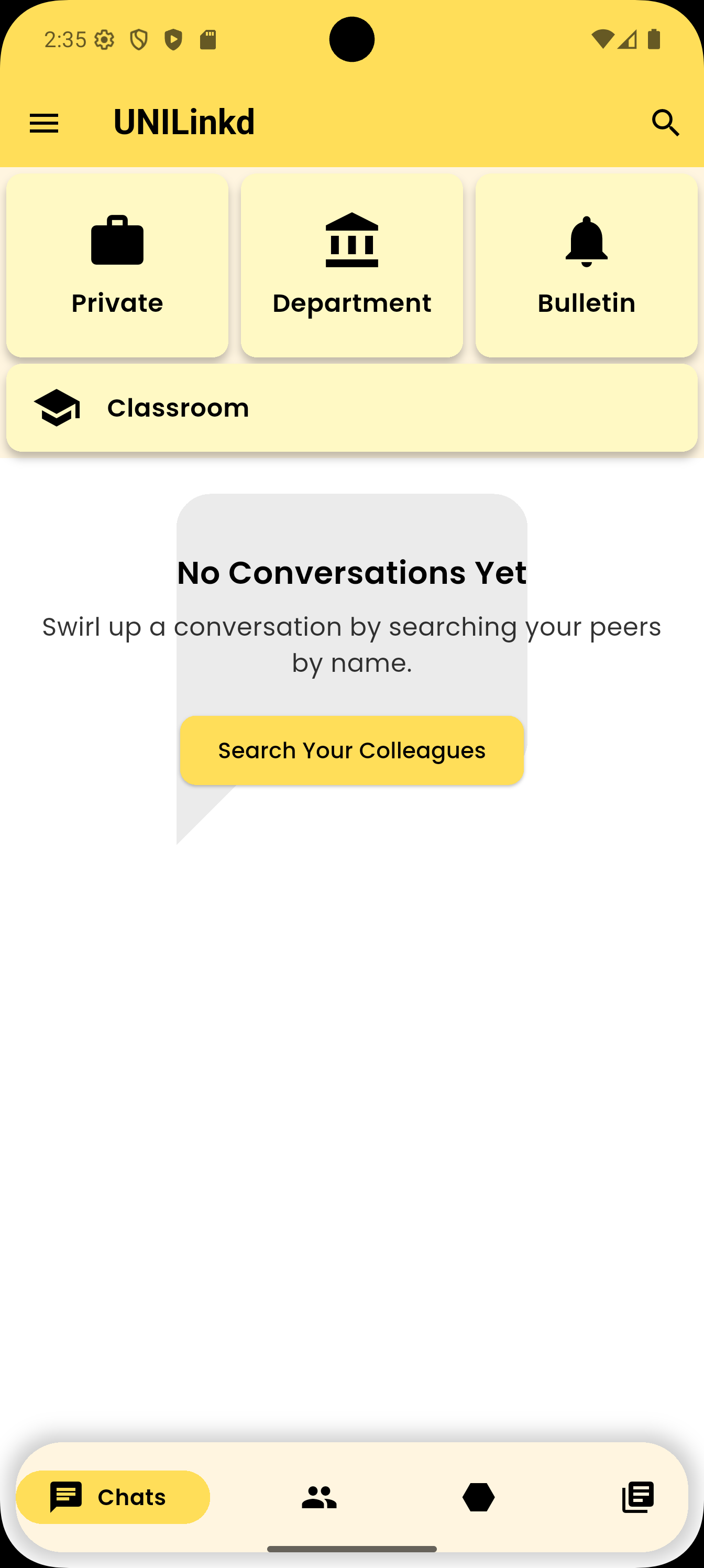
Tap "Classrooms"
Open your classroom to see the class chat (message your teacher and classmates here), the timetable, and any resources shared by the incharge teacher. If a subject teacher was assigned to a period, their name is shown alongside the subject.
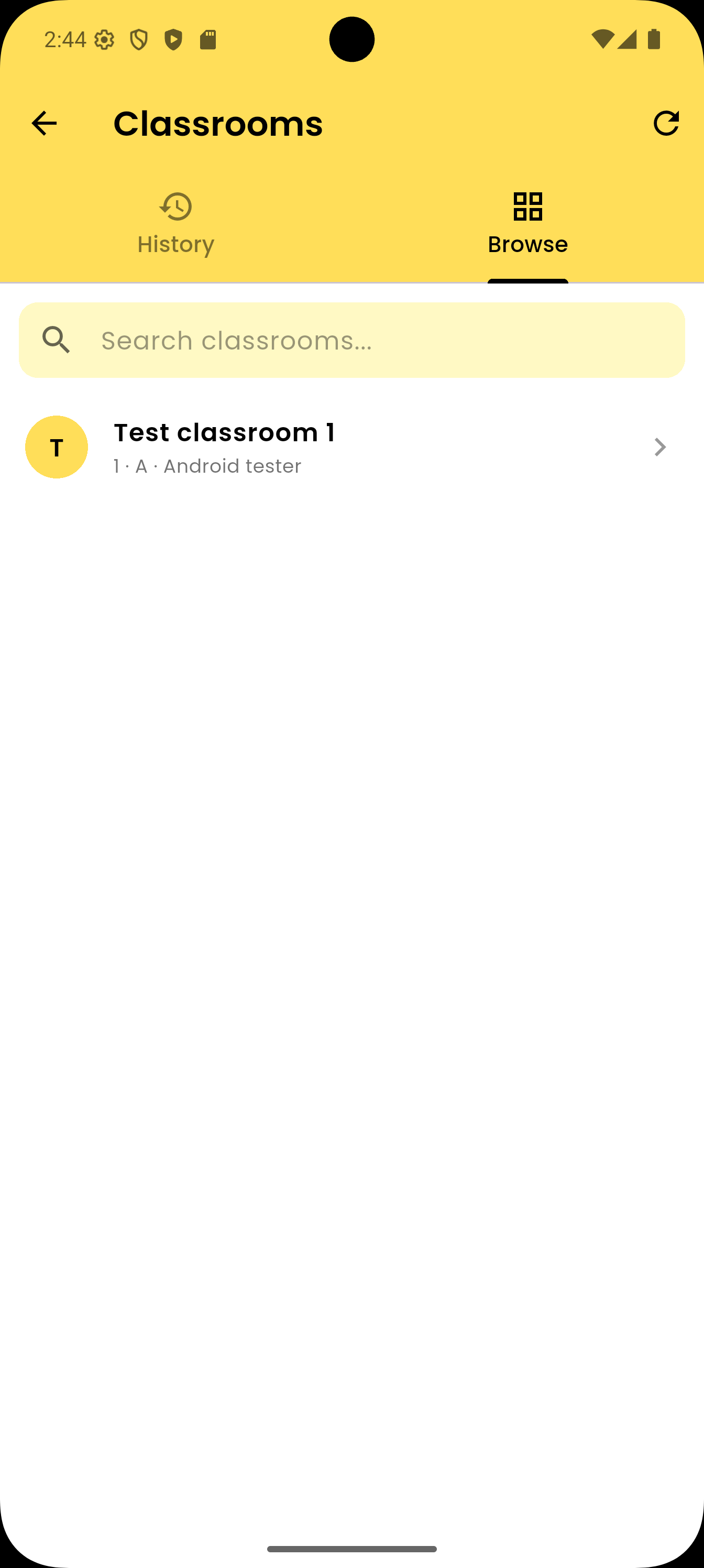
If your teacher shares a Google Meet link, you will receive it directly in the classroom chat. The meet will also be added to your google calendar automatically
You've completed this guide — How to Access Your Classroom (Students)